 Arjun Mehta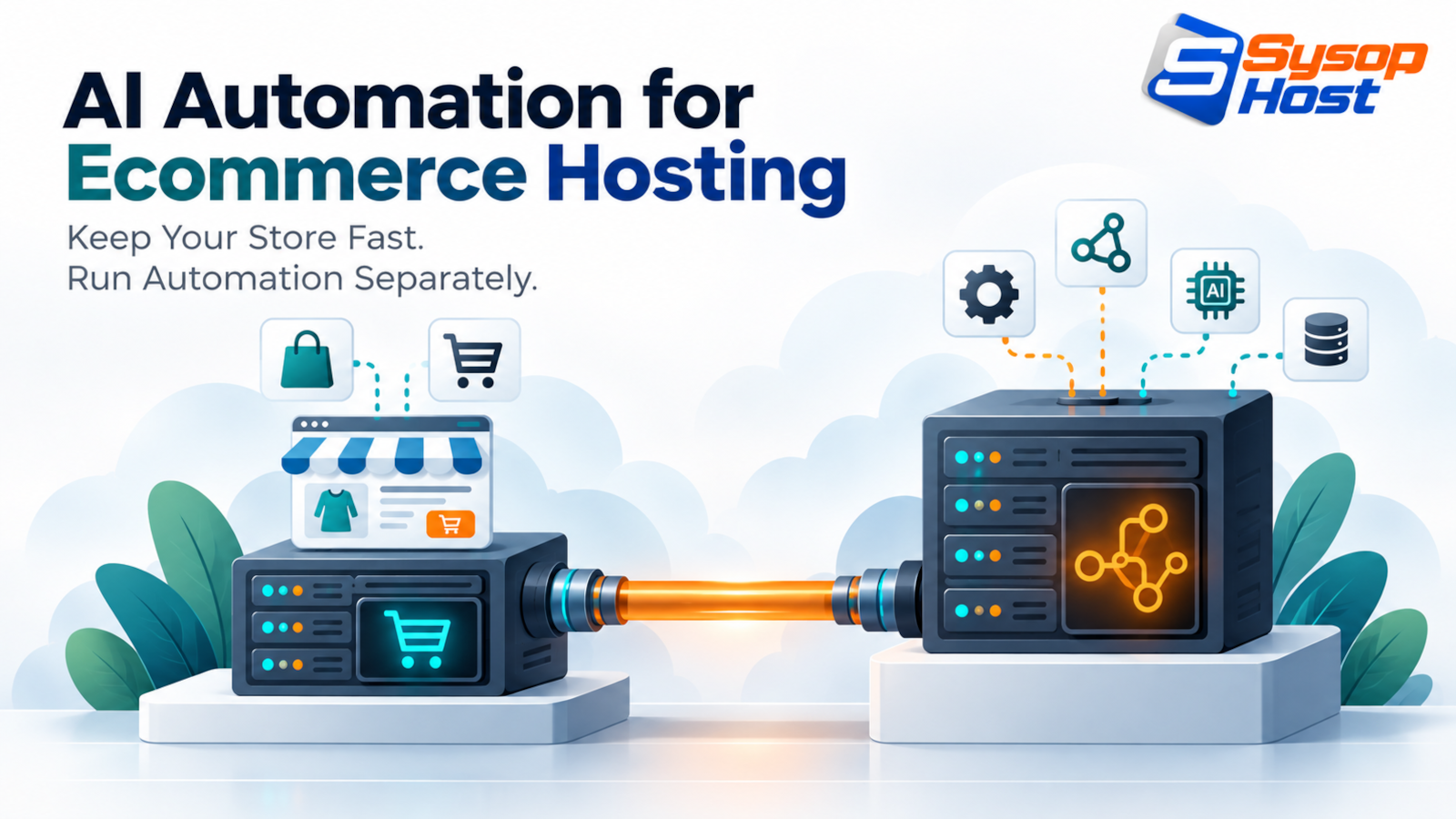
Every AI plugin installed inside WooCommerce competes with checkout for PHP workers and database locks. This is the decoupled pattern: storefront on one node, automation workers on another, a read replica in between, and autonomy rules that decide what an agent may do without a human.
Open a WooCommerce store with eleven AI plugins and watch what happens at 9 p.m. on a sale night. Checkout requests queue behind a background job that is rewriting product descriptions, PHP-FPM workers hit their limit, and carts start dying at the payment step. Nothing about the AI was wrong. It was just running in the same process as the thing that takes money.
That is the argument for treating AI automation for ecommerce as an infrastructure decision rather than a plugin decision. The storefront has one job: answer a shopper quickly and commit an order. Everything else, from catalog enrichment to support triage, can run somewhere else.
Why the plugin pile becomes a checkout problem
WooCommerce stores a lot in wp_posts and wp_postmeta. High Performance Order Storage moves orders into dedicated tables with their own indexes, which helps, but the write path still depends on MySQL or MariaDB being free at the moment a shopper presses pay [1].
An AI plugin runs inside that same PHP process. When it vectorises a few thousand descriptions, calls a model, or parses a supplier CSV, it holds workers, holds database connections, and holds locks. On a quiet Tuesday you never notice. During a campaign, the queue is exactly where the shopper is standing.
The performance cost has a commercial edge, because slow pages lose rankings and slow checkouts lose orders. If your storefront is already fighting for core web vitals, adding batch workloads to the same box works against your own page speed and search visibility.
Split the store from the workers
The pattern that holds is boring: two nodes, one private network, one read replica.
 Storefront node                         Automation node
 LiteSpeed / Nginx + PHP-FPM             n8n or Python workers
 WooCommerce + Redis object cache        queue, embeddings, LLM calls
        │                                        │
        └────────── private network ────────────┘
              │                          │
     primary DB (writes)  ──────►  read replica (queries)
The storefront keeps every millisecond it needs for checkout. The automation node does the slow, bursty, model-heavy work and reads from a replica, so a catalog query never waits behind a row lock on an order [6].
Three rules make the split safe. The worker connects with a read-only database user and never writes to the store database directly; it calls the store's API or writes to a queue the store consumes. Database ports stay closed to the public internet, reachable only across the private network. And payment tokens never leave the storefront, so no automation worker can touch card data even by accident.
Four workflows worth automating first
Not every idea survives contact with an operations team. These four pay for themselves because the volume is high and the decisions are narrow.
Catalog enrichment and product schema. A worker picks up new SKUs from a supplier feed, normalises attributes, writes copy to house style, and emits Product structured data with price, availability and identifiers. Google's product structured-data guidance is specific about which properties it needs, and getting it wrong is worse than omitting it [2]. Schema.org defines the vocabulary itself [3]. Human review stays on for the first few hundred products, then samples after that.
Reorder proposals. Instead of a fixed threshold, compute days of cover from recent sell-through, supplier lead time and any seasonality you can defend with data. Have the worker draft the purchase order and a summary of why, then hand it to a person. Reordering is a cash decision, and a model that gets it wrong costs more than the hours it saves.
Support triage. Order status, address changes, delivery exceptions and returns eligibility are answerable from the database plus a carrier API. Everything else should reach a human with context attached. The useful metric is not deflection rate; it is how often a customer has to reply twice.
On-site search. Embeddings over product titles and descriptions catch the shopper who types a description instead of a product name. This is the one workflow that sits in the request path, so it runs against a precomputed index in a fast store such as pgvector, with a keyword fallback when the index misses [5].
The worker stack
This is the automation node, not the storefront, and it is the smaller of the two cloud hosting bills in the stack. It assumes the store database is reachable over a private address and that the worker holds a read-only credential.
services:
  redis:
    image: redis:7-alpine
    restart: always
    command: ["redis-server", "--appendonly", "yes", "--requirepass", "${REDIS_PASS:?set REDIS_PASS}"]
    volumes: ["redisdata:/data"]
    networks: [automation]

  n8n:
    image: docker.n8n.io/n8nio/n8n:latest
    restart: always
    ports: ["127.0.0.1:5678:5678"]
    environment:
      DB_TYPE: postgresdb
      DB_POSTGRESDB_HOST: postgres
      DB_POSTGRESDB_DATABASE: automation
      DB_POSTGRESDB_USER: ${POSTGRES_USER}
      DB_POSTGRESDB_PASSWORD: ${POSTGRES_PASS:?set POSTGRES_PASS}
      EXECUTIONS_MODE: queue
      QUEUE_BULL_REDIS_HOST: redis
      QUEUE_BULL_REDIS_PASSWORD: ${REDIS_PASS}
      N8N_ENCRYPTION_KEY: ${N8N_ENCRYPTION_KEY:?set N8N_ENCRYPTION_KEY}
      WEBHOOK_URL: https://ops.example.com/
    depends_on: [postgres, redis]
    networks: [automation]

  postgres:
    image: pgvector/pgvector:pg16
    restart: always
    environment:
      POSTGRES_DB: automation
      POSTGRES_USER: ${POSTGRES_USER}
      POSTGRES_PASSWORD: ${POSTGRES_PASS}
    volumes: ["pgdata:/var/lib/postgresql/data"]
    networks: [automation]

  inventory_worker:
    build: {context: ./workers}
    restart: always
    environment:
      STORE_DB_REPLICA_HOST: 10.0.0.15
      STORE_DB_USER: ai_readonly
      STORE_DB_PASS: ${STORE_REPLICA_PASS:?set STORE_REPLICA_PASS}
      REDIS_URL: redis://:${REDIS_PASS}@redis:6379/0
      DAILY_TOKEN_BUDGET: "2000000"
    depends_on: [redis]
    networks: [automation]

volumes: {redisdata: {}, pgdata: {}}
networks:
  automation:
    driver: bridge
Two details earn their keep later. EXECUTIONS_MODE: queue with Redis means a catalogue backfill does not block webhook handling, because the main process only enqueues [4]. And the token budget is an environment variable rather than a promise, so a runaway enrichment loop stops at a known number instead of at the invoice.
Guardrails: what the agent may decide alone
Autonomy should be granted per action, not per agent. A support agent that can answer a delivery question should not be able to approve a refund of any size, and a catalog agent that can rewrite a description should not be able to change a price.
Action | Autonomy | Guardrail |
|---|---|---|
Answer order status | Automatic | Read-only replica access |
Send tracking update | Automatic | Template with verified carrier data |
Approve return within policy | Automatic under a value cap | Logged, sampled weekly |
Refund above the cap | Human approval | Reason and order summary attached |
Change price or stock level | Human approval | No direct write access |
Delete a product | Blocked for agents | Manual only |
Two implementation notes. Confidence thresholds only help if you log the score and review the ones near the line, otherwise the threshold is decoration. And every autonomous action needs an audit row: what the agent saw, what it decided, which model version, and who approved it. When a customer disputes a refund, that row is the whole conversation.
What to measure
Four numbers tell you whether the split is working. Checkout p95 latency, which should be unaffected on your busiest night. Queue lag on the automation node, which should return to zero between batches. Agent resolution rate with the double-reply rate beside it, because a fast wrong answer is not a win. And cost per order touched by automation, computed monthly, since that is the number that decides whether the workflows stay.
Treat the handover to humans as a workflow of its own. Every escalation should arrive with the order, the tracking state, the policy verdict and the draft reply already attached, because an agent that dumps a raw thread on a support desk has moved the work rather than reduced it. Track how long those escalations take to clear; if the queue grows while deflection looks healthy, the automation is answering the easy half and hiding the rest. A rising queue lag and a flat checkout latency is a healthy system absorbing load; both rising means you have run out of headroom on the database, which is what monitoring should be telling you before a customer does.
Sizing without guessing
Ignore order-count tables in blog posts, including this one. Size from the workload you actually run.
Workload | What drives it | Reasonable starting point |
|---|---|---|
Order tracking emails, status replies | Webhook volume, small payloads | 2 vCPU / 4 GB |
Catalog enrichment with model calls | Concurrency × response size | 4 vCPU / 8 GB, queue mode |
Local embeddings and vector search | Index size, query rate | 8 vCPU / 16 GB, NVMe |
Multi-store backfills | Disk I/O and database replicas | 8+ vCPU / 32 GB, separate replica |
Two measurements beat any table. Watch RSS per worker while a real batch runs, and watch iostat on the automation node during a catalog job. Both are cheap to collect and both catch the mistake that sizing tables encourage, which is buying CPU when the constraint was disk or database connections. If disk wait climbs while CPU sits idle, the fix is faster storage or a smaller batch, not a bigger model.
Give checkout its own box
Ecommerce hosting with NVMe storage, a private network for replicas and workers, and engineers who will look at your p95 before your plugin list.
See SysopHost ecommerce hostingFAQs
Comments
No comments yet. Be the first to comment!