 Rohan Verma
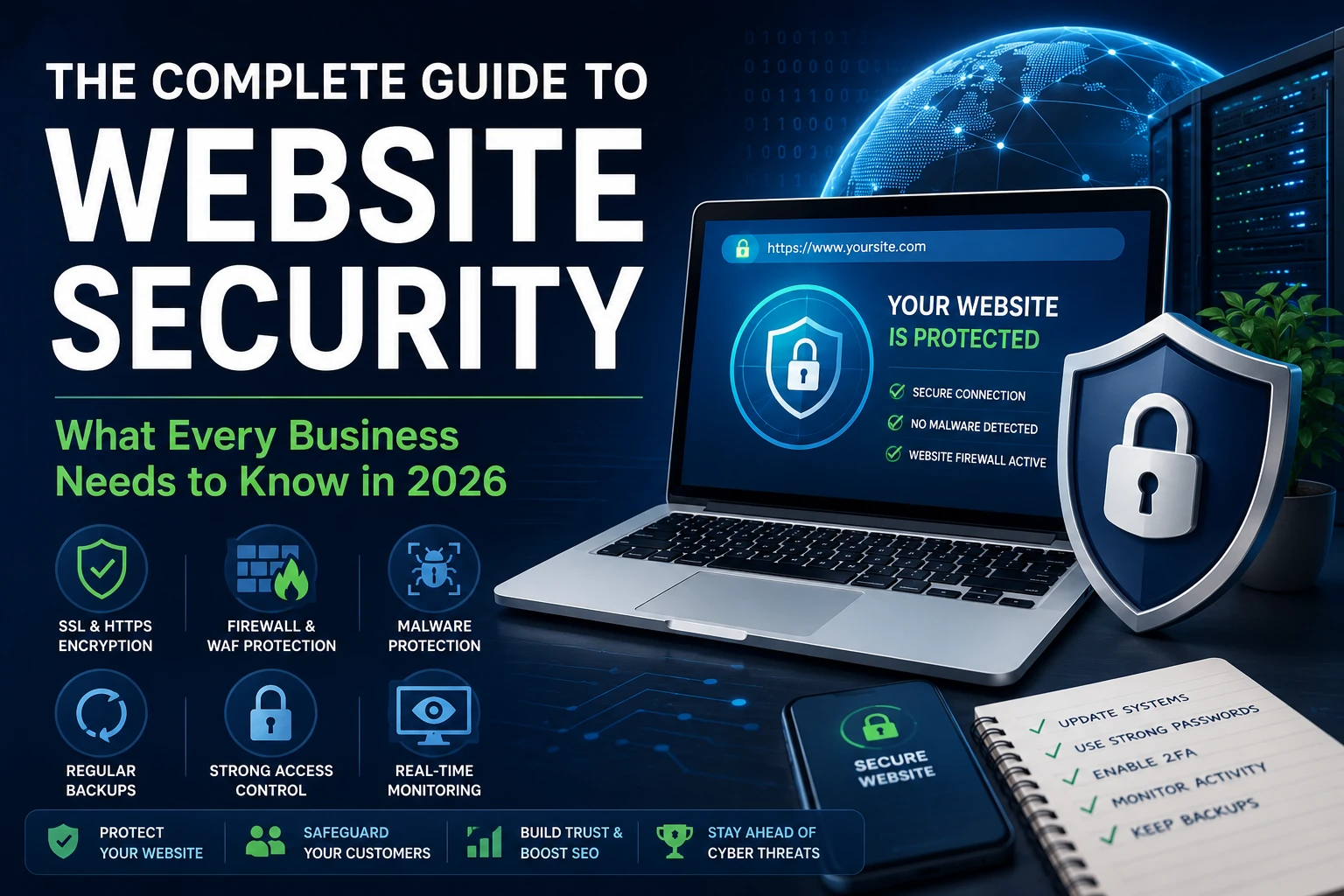
Protect your business from modern cyber threats with this complete guide to website security in 2026. Learn best practices, tools, and strategies to keep your website secure.
A website doesn't need to be famous to get attacked. It just needs to be reachable. Most attacks aren't aimed at a specific company — they're automated scans run against millions of sites at once, looking for the one with an outdated plugin, a weak password, or a misconfigured server. If your site is reachable, it's already a target, whether anyone has noticed it yet or not.
That's the uncomfortable reality behind website security in 2026: the threat isn't a sophisticated hacker who's decided to target your business specifically. It's industrial-scale automation that doesn't care who you are, only that you're exposed. Recent industry data puts the volume of new malware samples at roughly 450,000–560,000 per day, and a record-setting 11,334 new vulnerabilities were disclosed across the WordPress ecosystem alone in a single year — a 42% jump year-over-year. For a business owner without a dedicated security team, that volume is exactly why "we'll deal with it if something happens" isn't a strategy anymore.
This guide covers what website security actually means in practice, the real risks businesses face, and the steps that meaningfully reduce them — without the scare tactics or the upsell.
What Website Security Actually Means
Website security is the set of practices and tools that protect a website and the server it runs on from unauthorized access, data theft, defacement, and service disruption. It spans several layers that often get treated as separate problems when they're really one system:
Application-level security — protecting the website's code (CMS, plugins, themes, custom scripts) from vulnerabilities like SQL injection and cross-site scripting (XSS)
Server and infrastructure security — hardening the underlying hosting environment, firewall rules, and access controls
Network security — protecting data in transit via SSL/TLS, and filtering malicious traffic before it reaches the application
Identity and access management — controlling who can log in, with what permissions, and how those credentials are protected
If you're new to this, the key thing to understand is that website security isn't a single product — no plugin, firewall, or scanner covers all four layers. If you're already managing infrastructure, the more advanced point is that most real-world breaches don't come from exotic zero-days; they come from gaps between these layers — a patched application sitting on an unpatched server, or strong server security undermined by a weak admin password.
Key Features of a Properly Secured Website
A genuinely secure website setup includes layered protections rather than a single tool. Here's what that actually looks like, and why each piece matters in practice:
Web application firewall (WAF) — filters malicious requests before they reach your application. Worth noting honestly: industry testing shows traditional, generic WAFs block only around 12% of platform-specific attacks (e.g., WordPress-specific exploits), so a WAF tuned to your actual platform matters more than having "a firewall" in the abstract.
SSL/TLS encryption — protects data in transit and is now a baseline expectation, not a differentiator; browsers actively flag sites without it.
Regular, automated patching — closes known vulnerabilities before attackers reach them. This matters because exploit code for newly disclosed vulnerabilities can appear within hours of disclosure, not weeks.
Malware scanning and file integrity monitoring — detects unauthorized changes to core files, which matters because current attacker behavior increasingly involves injecting malicious code directly into legitimate files rather than dropping obviously suspicious new ones.
Access control and multi-factor authentication (MFA) — limits what a compromised credential can actually do. Weak or reused passwords remain a contributing factor in the large majority of compromised sites.
Offsite, versioned backups — the difference between a bad afternoon and a business-ending event when something does get through. A backup that lives on the same server it's protecting isn't a backup.
Common Problems Businesses Face
Most businesses don't get breached because of a uniquely sophisticated attack. They get breached because of accumulated, ordinary gaps:
Security risks. The majority of real-world WordPress compromises trace back to vulnerable plugins rather than the core platform itself — plugins account for the overwhelming majority of disclosed vulnerabilities, while WordPress core accounts for a small handful. A large share of those vulnerabilities can be exploited without any login credentials at all, which means "we use strong passwords" doesn't cover the actual exposure.
Performance issues. Security and performance aren't separate concerns — a compromised site is frequently a slow site, whether from injected cryptomining scripts, spam redirect code, or a server quietly serving malicious traffic to other visitors in the background.
Maintenance complexity. A typical website runs dozens of plugins, each with its own update cycle, dependency chain, and developer who may or may not still be actively maintaining it. Tracking that manually, across every property a business runs, is a job in itself — and it's a job that quietly stops happening when no one owns it.
Infrastructure challenges. Shared hosting environments, outdated PHP versions, and missing server-level hardening create exposure that no amount of application-level security can fully compensate for. You can have a perfectly updated CMS sitting on infrastructure that undermines it.
Website Security Best Practices
These aren't exotic recommendations — they're the fundamentals that industry analysis suggests stop the overwhelming majority of opportunistic attacks:
Keep everything updated — core, plugins, themes, and server software — and turn on automatic updates where it's safe to do so. Manual update habits are exactly where most sites fall behind.
Enforce strong, unique credentials and MFA for every account with administrative access, not just the primary admin login.
Limit plugins and extensions to what you actually use. Every inactive plugin is attack surface with no corresponding benefit — audit them on a schedule, not just when something breaks.
Run a website vulnerability assessment periodically, not just after an incident. Catching an exposed endpoint or outdated component before it's exploited is categorically cheaper than cleaning up after the fact.
Maintain offsite backups with tested restore procedures. A backup you've never tried restoring is a hypothesis, not a safety net.
Apply the principle of least privilege — give every user and integration only the access they need, and review that access periodically as roles change.
Treat malware removal as a forensic process, not a quick scan-and-delete. Current attacker techniques increasingly hide code inside legitimate files, which a surface-level scan can miss entirely.
How Sysop Solutions Helps
Website security best practices are well documented — the actual difficulty for most businesses is consistent execution over time, especially without a dedicated in-house team. That's the gap Sysop Solutions fills. Our website security and hosting services include:
Web application security audits — reviewing your site's configuration, plugins, and access controls to identify exposure before it's exploited, not after.
Website vulnerability assessment — a structured review of your specific stack, rather than a generic checklist, to flag what's actually relevant to your setup.
Website malware removal — forensic cleanup that addresses injected code and backdoors, not just the obviously visible symptoms, with verification that the site is genuinely clean afterward.
Managed hosting with security hardening built in — server-level configuration, firewall rules, and patch management handled as part of ongoing infrastructure management, not left to chance.
DevOps-driven update and backup automation — so patching and backups happen on a schedule, with someone accountable for it, instead of depending on memory.
We're not going to tell you we'll make your site unhackable — no one honestly can. What we can do is close the ordinary, high-probability gaps that account for the overwhelming majority of real-world breaches, and give you a clear point of contact when something needs attention.
Real Business Benefits of Getting Website Security Right
The case for investing in website security isn't abstract — it shows up in measurable outcomes:
Reliability: Sites with proper monitoring and patching experience fewer unplanned outages and avoid the SEO and traffic damage that comes from extended downtime or a Google security flag.
Cost savings: Industry data puts average recovery costs for a small business hack — cleanup, emergency development time, downtime, and the months of SEO recovery from injected spam links — well into the thousands of dollars, against a fraction of that for ongoing protection. Prevention is consistently the cheaper path.
Performance: Removing malicious scripts, unnecessary plugins, and unpatched bloat tends to improve site speed as a side effect of improving security.
Trust and reputation: Customers notice browser security warnings, defaced pages, and downtime. A security incident is rarely just a technical problem — it's a visible one.
Conclusion
Website security in 2026 isn't about chasing every emerging threat — it's about consistently handling the fundamentals that stop the vast majority of attacks: patching, access control, monitoring, and backups, applied across every layer of your stack rather than just one. The businesses that get hurt aren't usually the ones that faced a sophisticated, targeted attack — they're the ones where ordinary maintenance quietly stopped happening because no one owned it.
If your website's security currently depends on "we haven't had a problem yet," that's worth re-examining before an automated scanner finds the gap for you.
Ready to Secure Your Website?
Whether you need a one-time vulnerability assessment, malware cleanup, or ongoing managed security as part of your hosting, Sysop Solutions can help you close the gaps that matter most.
Explore our website security and managed hosting services at sysophost.com.
Comments
No comments yet. Be the first to comment!