 Neha Sharma
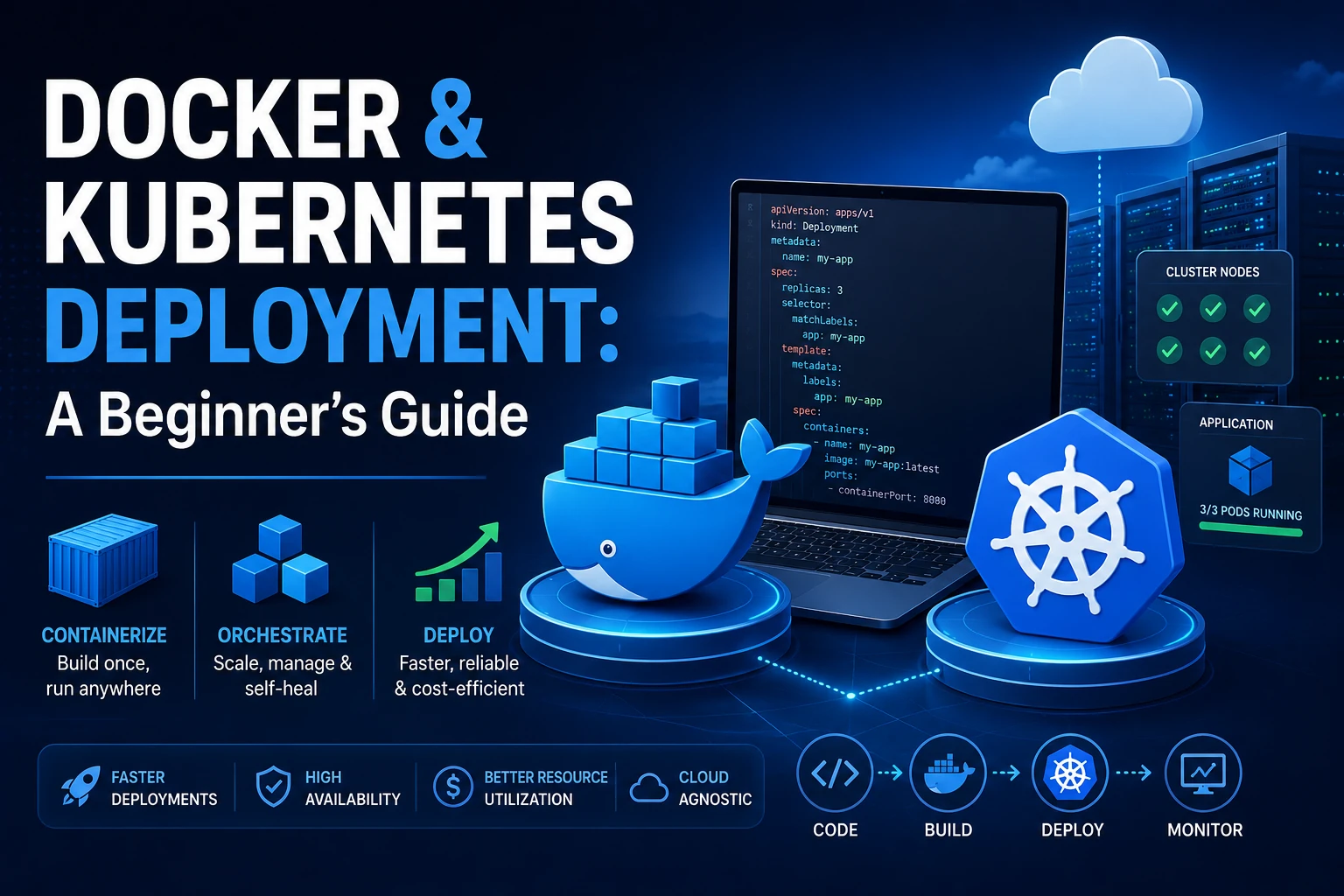
Learn the fundamentals of Docker and Kubernetes deployment in this beginner-friendly guide. Discover how containers work, why Kubernetes matters, deployment best practices, security tips, and how businesses can build scalable, reliable, and cloud-native applications in 2026.
"It works on my machine" is the sentence that's launched more production incidents than almost any other in software. A developer builds something locally, it runs perfectly, and then it breaks the moment it touches a server with a different OS version, a missing dependency, or a conflicting library. For years, that gap between development and production was just an accepted cost of doing business. It doesn't have to be anymore.
Docker and Kubernetes deployment has become the standard answer to that problem — and the numbers back it up. Container adoption among IT professionals jumped to roughly 92% in 2025, the largest single-year increase of any technology tracked in recent industry surveys, while Kubernetes now orchestrates containers in production for a clear majority of organizations running them. If you're a business owner, startup founder, or IT decision-maker who's heard these terms thrown around in planning meetings without fully understanding what they do, this guide is for you.
What Are Docker and Kubernetes, Actually?
Strip away the jargon, and the concept is simple.
Docker packages an application together with everything it needs to run — code, runtime, system libraries, configuration — into a single unit called a container. That container behaves identically whether it's running on a developer's laptop, a test server, or production infrastructure, because it's not relying on whatever happens to be installed on the host machine. This is what actually solves the "works on my machine" problem: the container is the machine, in the parts that matter.
Kubernetes (often shortened to "K8s") is a system for running many containers reliably at scale. Once you have more than a handful of containers — across multiple servers, needing to scale up during traffic spikes, restart automatically when something crashes, and roll out updates without downtime — manually managing them stops being realistic. Kubernetes automates that: scheduling containers onto available servers, restarting failed ones, scaling up or down based on demand, and routing traffic to healthy instances.
The relationship between them is straightforward, and it's the most common point of confusion for beginners: Docker builds and runs individual containers. Kubernetes orchestrates many containers across a cluster of machines. You don't choose one over the other — in nearly every real-world setup, you use Docker to build and test, and Kubernetes (or a managed equivalent) to run things in production once you have a genuine scaling need. Industry analysis consistently describes this as the dominant pattern in 2026: Docker for development, Kubernetes for production orchestration, with managed services bridging the operational complexity in between.
Key Benefits of Docker and Kubernetes Deployment
These aren't abstract technical wins — they translate directly into business outcomes:
Consistency across environments. A containerized application behaves the same in development, staging, and production, which eliminates an entire category of "it broke when we deployed it" incidents.
Faster deployment cycles. Containers start in seconds rather than minutes, which shortens the feedback loop between writing code and seeing it run.
Efficient resource usage. Containers share the host operating system kernel rather than each requiring a full virtual machine, which means more workloads run on the same hardware.
Automatic scaling and self-healing. Kubernetes can scale an application up during a traffic spike and restart a container automatically if it crashes — without a human needing to notice and intervene.
Portability across cloud providers. A Kubernetes deployment manifest works largely the same on AWS, Google Cloud, Azure, or on-premises infrastructure, which reduces lock-in to any single provider.
Built for modern, AI-driven workloads. A growing share of organizations now run AI and machine learning workloads on Kubernetes specifically because it can manage GPU scheduling and scale demanding jobs in ways that traditional infrastructure can't.
Common Problems Businesses Face with Containers and Kubernetes
Adopting this technology isn't automatically a win — it introduces its own set of risks if approached carelessly.
Security risks. A container is only as secure as the image it's built from. Pulling unverified base images, failing to scan them for known vulnerabilities, and granting containers more privileges than they need are common, avoidable mistakes. Modern practice — image scanning before deployment and image signing for integrity — exists specifically because supply-chain risk in container images is real and growing.
Performance issues. Kubernetes is notorious for hidden cost and resource waste when left unmanaged. Recent benchmark data shows average real CPU utilization across production clusters sitting around just 10%, with memory utilization around 23% — meaning the typical cluster is dramatically over-provisioned relative to what it actually uses. That gap is invisible until someone looks at the bill.
Maintenance complexity. Kubernetes has a genuinely steep learning curve, and the ecosystem changes fast — new releases roughly three times a year, each with a limited support window before it reaches end-of-life. Industry tracking suggests a meaningful share of production clusters are still running on unsupported versions, which means they no longer receive security patches at all.
Infrastructure challenges. Running a self-managed Kubernetes cluster — handling the control plane, networking, storage, and upgrades yourself — is a substantial operational commitment. It's a major reason the large majority of Kubernetes users now run managed services (like Amazon EKS, Google GKE, or Azure AKS) rather than operating clusters from scratch.
Best Practices for Docker and Kubernetes Deployment
Start with Docker Compose before you need full Kubernetes. If your application doesn't yet have a genuine scaling, multi-server, or high-availability requirement, Kubernetes adds operational overhead without a corresponding benefit. Adopt it when the problem it solves is actually your problem.
Use minimal, official base images and scan every image for known vulnerabilities before it's deployed, not after.
Set resource requests and limits explicitly for every container. This is the single most direct lever against the over-provisioning problem — without it, Kubernetes can't make good scheduling decisions, and you pay for capacity you're not using.
Use namespaces to separate environments (development, staging, production) within a cluster, rather than blending everything together.
Automate deployment through GitOps (tools like Argo CD or Flux), so changes to your running infrastructure are driven by version-controlled commits, not manual commands run by whoever's on call.
Keep your Kubernetes version current. Running an end-of-life version isn't a minor inconvenience — it means no further security patches, period.
Use a managed Kubernetes service unless you have a specific reason not to. For most businesses, the operational burden of self-managing a control plane outweighs whatever control it provides.
How Sysop Solutions Helps
Docker and Kubernetes deployment done well requires more than installing the tools — it requires architecture decisions, ongoing tuning, and someone watching the resource utilization and security posture over time. That's where Sysop Solutions fits in. Our cloud infrastructure and DevOps services for container deployment include:
Kubernetes cluster setup on the cloud platform that fits your workload — AWS, Google Cloud, or Azure — configured with namespaces, resource policies, and security baselines from day one, rather than retrofitted later.
Containerizing existing applications with Docker, so legacy applications gain deployment consistency without a full rewrite.
Deploy applications with Kubernetes using GitOps-driven pipelines, so releases are repeatable and auditable instead of manual.
Ongoing cluster management and optimization, including right-sizing resource requests against actual usage — directly addressing the over-provisioning problem that inflates most unmanaged clusters' costs.
Container security review, covering image scanning, registry configuration, and runtime privilege settings.
FinOps for container infrastructure, reviewing cluster spend against real utilization so you're not paying hyperscaler prices for idle capacity.
We work across all three major cloud providers, so our recommendations are based on your workload and team's capabilities — not which platform we have a reason to push.
Real Business Benefits
When Docker and Kubernetes deployment is implemented and managed properly, the benefits are concrete:
Performance improvements: Applications scale automatically to meet demand and recover from failures without manual intervention, which means fewer outages during traffic spikes.
Cost savings: Properly sized resource requests and managed services eliminate the over-provisioning waste that inflates most unmanaged Kubernetes bills — addressing a gap that, industry-wide, leaves the average cluster running at roughly 10% CPU utilization.
Reliability: Self-healing infrastructure and automated rollouts reduce both the frequency and severity of deployment-related incidents.
Security: Regular image scanning, current Kubernetes versions, and least-privilege container configuration close the gaps that account for most container-related security incidents.
Conclusion
Docker and Kubernetes deployment isn't just an enterprise concern anymore — it's increasingly the default way modern applications are built and run, across businesses of every size. Docker solves the consistency problem between development and production. Kubernetes solves the scaling and reliability problem once your infrastructure needs grow beyond what manual management can handle. Used well, together they reduce deployment risk, control infrastructure costs, and let your team ship changes with more confidence. Used carelessly — without resource limits, security scanning, or version management — they introduce exactly the cost and complexity problems they're meant to solve.
The technology has matured. The question for most businesses now isn't whether to containerize, but how to do it without taking on unnecessary operational risk.
Ready to Containerize Your Infrastructure?
Whether you're deploying your first containerized application or need an existing Kubernetes cluster optimized and secured, Sysop Solutions can help you build it right from the start.
Explore our cloud infrastructure and DevOps services at sysophost.com.
Comments
No comments yet. Be the first to comment!