 Manpreet Singh
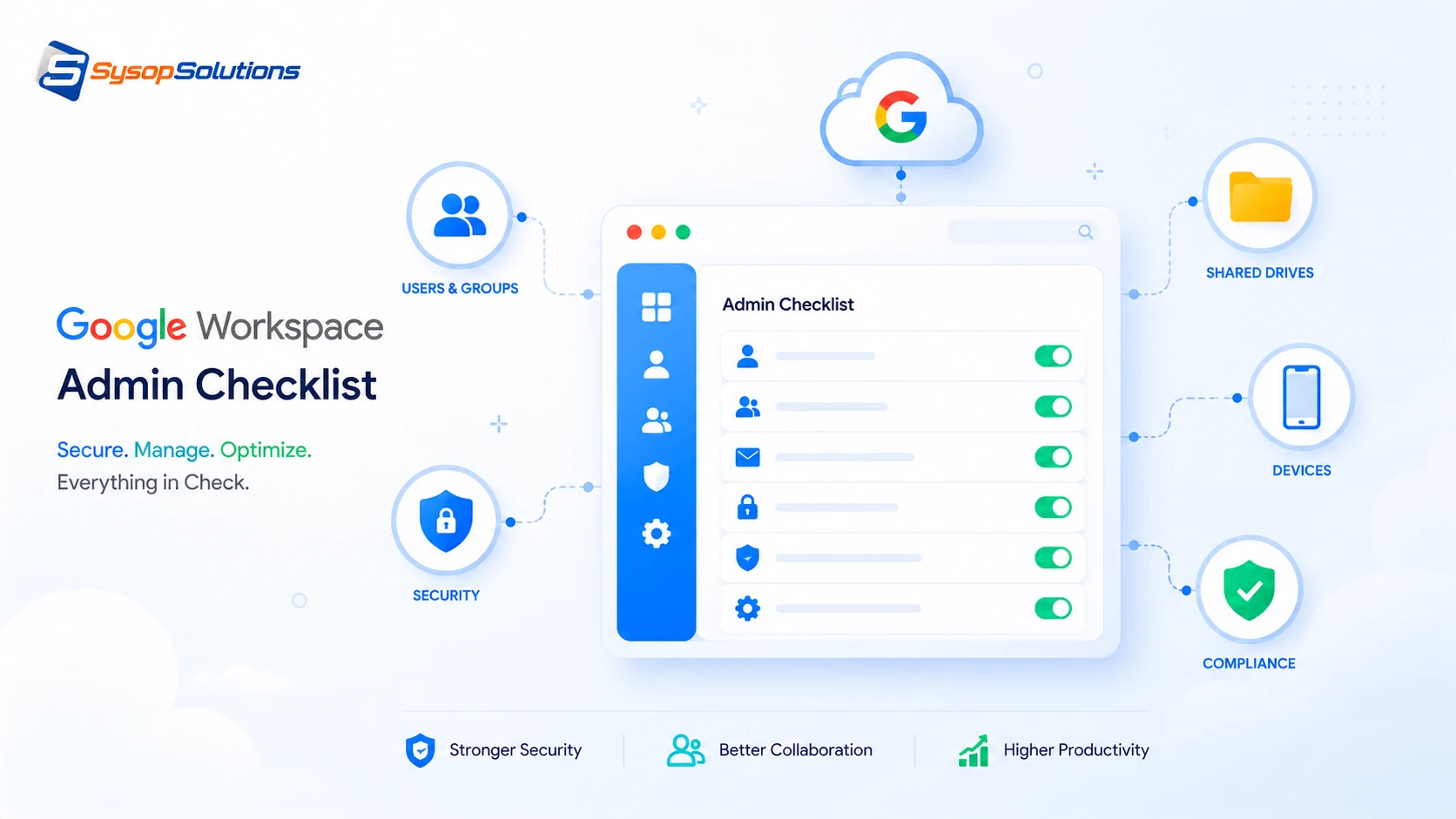
A Google Workspace admin checklist covering 2-Step Verification, admin roles, OAuth app permissions, sharing defaults, and offboarding — the gaps most audits miss.
Most Google Workspace admin consoles get configured once during setup and then largely ignored — until a phishing email gets through because 2-Step Verification wasn't enforced, or a departed employee's account sits active for months with full access to shared drives. Google Workspace is genuinely well-built, but its defaults aren't tuned for your specific risk tolerance, and the gap between "technically configured" and "actually secure" is where most incidents happen.
This matters more now because Workspace environments have gotten more complex — more third-party app integrations, more shared drives, more devices connecting from outside a managed network. A checklist you run once a quarter catches drift before it becomes an incident: an app with excessive OAuth permissions nobody remembers approving, a suspended user's data still fully accessible, an admin role assigned to someone who left the security team a year ago. This guide walks through what an actual Workspace admin audit should cover, not just the settings Google surfaces by default.
What a Proper Google Workspace Admin Audit Covers
A thorough audit spans several distinct areas, and skipping any one of them leaves a real gap:
- User account security — 2-Step Verification enforcement, password policies, and account recovery settings.
- Admin role assignments — who has super admin access, and whether that access still matches their current role.
- Third-party app access (OAuth) — every app that's been granted access to Workspace data, and the scope of that access.
- Shared drive and file sharing settings — external sharing defaults, link-sharing permissions, and drive ownership transfer policies.
- Device management — mobile device management (MDM) policies, especially for accounts accessing Workspace from unmanaged personal devices.
- Offboarding process — what actually happens to an account and its data when someone leaves the organization.
Most admins configure the first item — user security — reasonably well, because it's the most visible. The items further down this list, especially OAuth app access and offboarding, are where audits routinely find the biggest gaps, because they require active review rather than a one-time setting.
[Internal Link: Understanding Google Workspace Admin Roles and Permissions]
Key Checklist Items and Their Real-World Impact
- Enforce 2-Step Verification organization-wide, not just recommend it. Workspace lets admins mandate 2SV at the OU (organizational unit) level — leaving it optional means your weakest-password user is your actual security posture.
- Review super admin assignments quarterly. Every super admin account is a full-access target; the more people who have it, the larger your attack surface, and role assignments tend to outlive the reason they were granted.
- Audit connected third-party apps via the OAuth apps report. Apps granted broad Drive or Gmail access years ago for a project that's since ended often still have that access — an unused integration with standing permissions is exactly the kind of thing attackers look for.
- Set external sharing defaults deliberately, not by accepting Google's default. "Anyone with the link" as a default sharing setting on a shared drive is a common, easily fixed source of accidental data exposure.
- Configure context-aware access policies for sensitive OUs — restricting access based on device security status, location, or IP range for roles handling sensitive data.
- Standardize offboarding with a defined process, not ad hoc account suspension — including data transfer to a manager, license reclamation, and access revocation across every connected app.
Real-world example: an organization discovered during a routine OAuth audit that a marketing automation tool integrated two years prior — and no longer in active use — still had full read/write access to their shared drives. Nobody had actively revoked it because nobody owned the task of periodically reviewing connected apps. That's the exact gap a scheduled checklist catches before it becomes a liability.
Common Problems Businesses Face
2-Step Verification left optional. Even organizations aware of 2SV's importance often leave it as a recommendation rather than an enforced policy, because enforcing it requires a rollout plan and some user friction — friction that's far cheaper than a compromised account.
Orphaned admin access. Employees who moved teams or left the organization sometimes retain admin-level roles because deprovisioning access wasn't part of the offboarding checklist, leaving standing privileged access with no active owner.
Unreviewed third-party app permissions. OAuth grants accumulate over time and rarely get revisited, meaning your actual data exposure footprint is larger than what shows up in a surface-level review of Workspace settings alone.
Inconsistent offboarding. Suspending an account isn't the same as fully offboarding it — data ownership transfer, shared drive access review, and connected app deauthorization are frequently missed steps that leave a departed employee's digital footprint active longer than intended.
No device-level policy for BYOD access. Organizations allowing personal devices to access Workspace without any MDM enrollment or minimum security requirement have no visibility into whether those devices are actually secure.
[Internal Link: Setting Up Offboarding Automation for Google Workspace]
Best Practices for Ongoing Workspace Administration
- Run a full security audit on a fixed schedule — quarterly at minimum — covering admin roles, OAuth apps, and sharing settings, not just when something prompts a review.
- Enforce 2-Step Verification at the OU level with a defined enrollment grace period rather than leaving it permanently optional.
- Use the Security Center's investigation tool (available on Enterprise plans) to review login activity, spam/malware detection, and data exfiltration signals in one place rather than piecing it together manually.
- Document and automate offboarding as a checklist tied to your HR process — the moment someone's employment ends should trigger account suspension, access review, and data transfer without relying on someone remembering each step manually.
- Set drive-sharing defaults restrictively at the OU level and grant broader external sharing only to specific teams that genuinely need it.
- Review the Admin console's alert center regularly, since Google surfaces anomalous activity there (suspicious login attempts, mass file downloads) that's easy to miss if nobody's actively checking.
[Internal Link: Configuring Context-Aware Access Policies in Google Workspace]
How Sysop Solutions Helps
Google Workspace administration touches the same infrastructure and access-control discipline we apply across everything at Sysop Solutions. We work with businesses to audit and harden their Workspace environments the same way we'd harden a Linux server — reviewing admin role assignments, tightening OAuth app permissions, and setting up sharing and access policies that match your actual risk profile instead of Google's defaults.
For businesses running Workspace alongside self-hosted infrastructure — a common setup where email runs through Workspace but the actual application stack lives on a VPS — we help make sure both environments are governed by consistent access-control standards, rather than treating cloud SaaS security and server security as unrelated problems handled by different processes.
We also help build out the offboarding automation most organizations lack: connecting your HR process to actual account deprovisioning, so a departed employee's access — Workspace, connected apps, and any infrastructure we manage — gets revoked consistently and on schedule, not weeks later during an unrelated audit.
[Internal Link: Access Control and Offboarding Audits for Growing Teams]
Real Business Benefits
A properly audited and hardened Workspace environment reduces your actual attack surface measurably — enforced 2SV alone eliminates a large share of credential-based account takeovers, since a stolen password without the second factor becomes useless. Tightened OAuth app permissions close off a class of breach that doesn't even require compromising a user account directly, since a compromised third-party app with standing access can exfiltrate data on its own.
Standardized offboarding also has a direct cost benefit beyond security: reclaimed licenses reduce unnecessary Workspace spend, and a documented process reduces the operational burden on whoever's currently handling it ad hoc. For growing organizations, the difference between a checklist-driven Workspace admin process and an informal one compounds — the informal approach accumulates risk quietly until an incident forces a full, reactive audit under much worse conditions.
Conclusion
A Google Workspace admin checklist isn't a one-time setup task — it's ongoing review of admin roles, OAuth app access, sharing defaults, device policies, and offboarding, run on a fixed schedule rather than reactively. The businesses that avoid Workspace-related incidents are the ones treating this as continuous governance, catching drift in permissions and access before it becomes the entry point for a breach.
Ready to Audit and Harden Your Google Workspace Environment?
Sysop Solutions applies the same access-control discipline we use for server infrastructure to your Google Workspace setup — admin roles, OAuth permissions, and offboarding, reviewed and hardened properly. [Talk to our team](https://sysophost.com) about closing the gaps a default Workspace configuration leaves open.
Comments
No comments yet. Be the first to comment!