 Neha Sharma
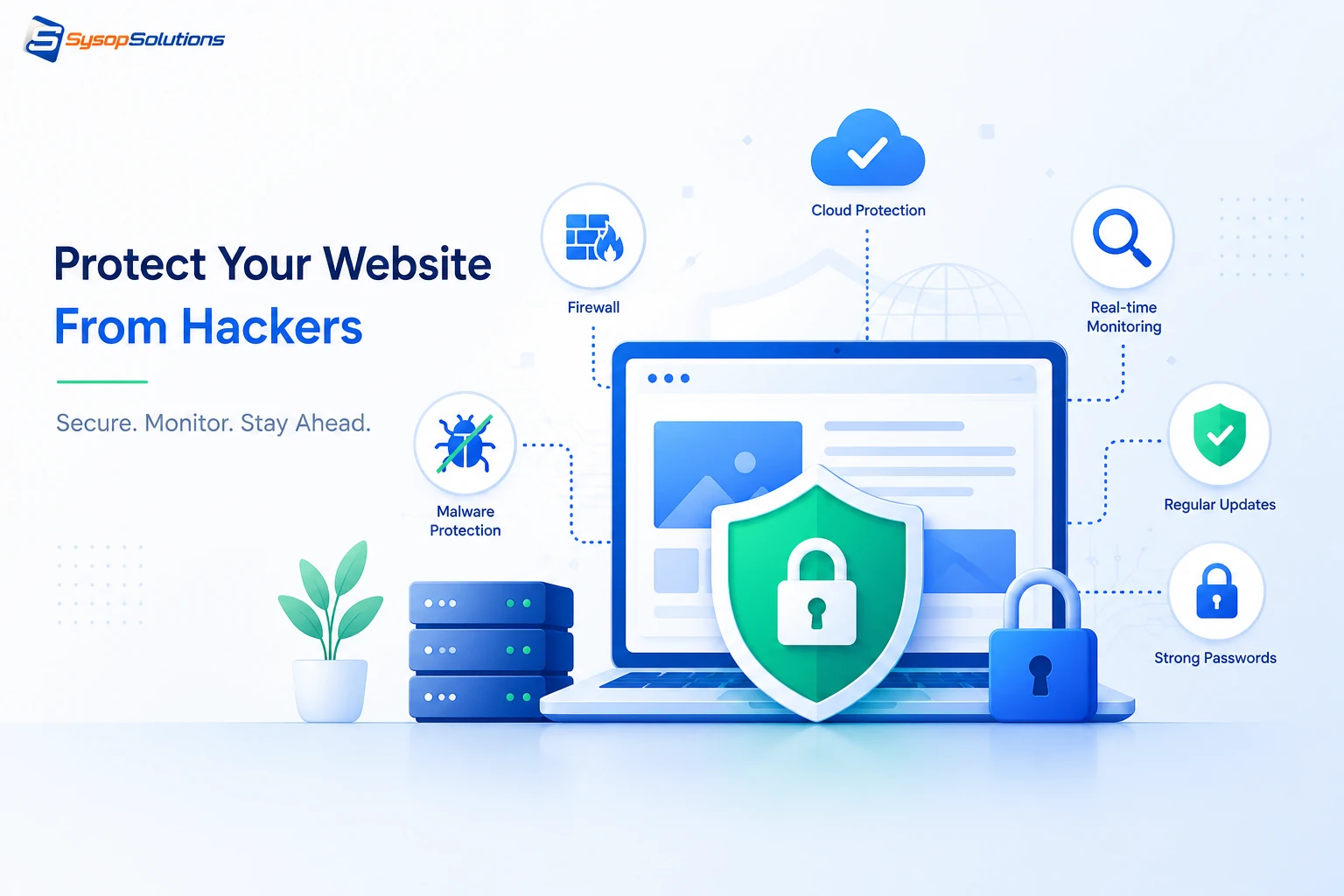
Most hacking prevention advice stops at your application layer. Here's what actually protects a website — server hardening, access control, and patching most guides skip entirely.
Most website security advice stops at "install an SSL certificate and use strong passwords," which is true but incomplete enough to give you a false sense of safety. The websites that actually get compromised usually had a firewall, an SSL cert, and reasonable passwords too — what they didn't have was server-level hardening, because that layer requires more than a checklist and most guides don't cover it. If your site runs on any kind of server you control, the real question isn't whether you're a target; automated bots don't discriminate by traffic volume. The question is whether the layers underneath your application are actually defended, or just assumed to be someone else's problem.
This matters more today than it did five years ago. Attack tooling has gotten cheaper and more automated — bots scan the entire IPv4 range for known vulnerabilities continuously, not opportunistically. A misconfigured server gets found in hours, not months. This guide walks through what actually protects a website from compromise, starting at the server layer most security checklists skip and working up through application and network-level defenses.
What Website Security Actually Means at the Server Level
Website security isn't a single feature — it's a stack of independent defenses, and a gap in any one of them can be the entry point:
- OS and kernel-level security — patch status, unnecessary services running, exposed ports.
- Web server configuration — Nginx/Apache hardening, TLS configuration, security headers.
- Application-layer security — your CMS, framework, or custom code, plus every plugin and dependency it relies on.
- Access control — SSH key-based authentication, firewall rules, who has root and why.
- Database security — access restrictions, credential strength, whether it's exposed beyond localhost.
- Monitoring and detection — knowing something's wrong before a customer tells you.
A hacker doesn't need to break every layer — they need to find the one you neglected. A site with a hardened application but a server running an outdated, unpatched kernel is still vulnerable to privilege escalation exploits that have nothing to do with the website's code.
[Internal Link: What Is Server Hardening and Why It Matters]
Key Protections and Their Real-World Impact
- SSH key-based authentication, password auth disabled. Password-based SSH is a direct target for brute-force bots scanning port 22 continuously. Disabling password auth entirely and requiring SSH keys removes an entire category of attack outright.
- A properly configured firewall (ufw/iptables or a cloud security group). Only open the ports your services actually need — running a firewall that allows all outbound and inbound traffic "to avoid breaking something" is functionally the same as not having one.
- fail2ban or equivalent rate-limiting. Automatically blocks IPs after repeated failed login attempts, cutting off brute-force attacks against SSH, WordPress login pages, or any other exposed authentication endpoint.
- A Web Application Firewall (WAF). Filters malicious HTTP requests — SQL injection attempts, XSS payloads — before they reach your application code, catching a category of attack that application-level input validation alone sometimes misses.
- TLS 1.2/1.3 only, with modern cipher suites. A site can display a valid SSL padlock while still allowing outdated, vulnerable TLS versions underneath — the padlock icon doesn't mean the configuration behind it is actually secure.
- Regular, automated OS and software patching. The majority of successful server compromises exploit vulnerabilities that already had a patch available — sometimes for months — before the attack occurred.
Real-world example: a small e-commerce site running on an unpatched, self-managed VPS was compromised not through the WordPress install itself, but through an outdated OpenSSH version with a known vulnerability that had been patched upstream for over a year. The application layer was fine. The server underneath it wasn't.
Common Problems Businesses Face
Treating security as a one-time setup. Servers get hardened once at launch and never revisited. New vulnerabilities get disclosed constantly, and a server that was secure at launch drifts out of that state within months without ongoing patching.
Overexposed database access. Databases configured to accept remote connections "for convenience" during development often stay that way in production, creating a direct path to your data that bypasses the application layer entirely.
Weak or reused credentials across services. The same root password used across multiple servers, or admin credentials reused between a staging and production environment, turns one compromised credential into a multi-system breach.
No monitoring or log review. Without active log monitoring, reconnaissance activity — directory scanning, repeated failed logins, unusual outbound traffic — goes unnoticed until it escalates into an actual breach, at which point you're responding to damage instead of catching the attempt.
Ignoring the supply chain. Third-party plugins, npm packages, and PHP dependencies introduce vulnerabilities that have nothing to do with your own code. A compromised or abandoned dependency is a common, underestimated entry point.
[Internal Link: Auditing Your Server for Common Security Gaps]
Best Practices for Ongoing Protection
- Automate patching wherever possible — unattended-upgrades on Ubuntu/Debian or equivalent tooling, so security patches apply on a schedule rather than depending on someone remembering.
- Enforce the principle of least privilege — every account, service, and API key should have only the access it actually needs, nothing broader "just in case."
- Segment environments — staging and production should never share credentials, database instances, or API keys.
- Set up centralized logging and alerting — failed login spikes, unusual traffic patterns, or unexpected file changes should trigger an alert, not get discovered during a routine check weeks later.
- Run periodic vulnerability scans against your own infrastructure — catching a misconfiguration yourself before an automated bot does is the entire point.
- Maintain tested, off-site backups — not as prevention, but as the difference between a contained incident and a total loss if prevention fails.
- Review third-party dependencies regularly — remove unused plugins and packages, and confirm active ones still receive security updates from their maintainers.
[Internal Link: Setting Up Centralized Logging on a VPS]
How Sysop Solutions Helps
Website security ultimately comes down to the server it's running on, and that's the layer we specialize in. Sysop Solutions gives you full root access on every VPS plan paired with the server-level hardening most hosting providers either don't offer or bury behind a higher-tier plan: SSH key enforcement, firewall configuration, fail2ban setup, and a patching cadence that doesn't depend on you remembering to log in and run updates.
Because we work directly at the Linux and infrastructure layer — not just the application layer — we catch the gaps that plugin-based security tools structurally can't see: an exposed database port, an outdated kernel, a misconfigured firewall rule. Whether you're running a WordPress site, a custom app, or a Coolify-managed deployment, the underlying server discipline is the same, and it's the discipline most breaches actually exploit.
For agencies managing multiple client sites, this consistency matters even more — a security gap on one server shouldn't be a guessing game about whether the same gap exists on nine others. We help teams standardize hardening across every instance instead of handling each server as a one-off.
[Internal Link: Root Access VPS Hosting With Server Hardening]
Real Business Benefits
The cost of a security incident isn't just the immediate cleanup — it's downtime, potential data loss, reputational damage, and in some cases search engine penalties if Google flags your site for malware, which can take weeks to reverse even after the underlying issue is fixed. Proper server-level protection reduces the likelihood of that scenario significantly, and when an issue does occur, good monitoring and logging cut the time it takes to detect and contain it.
There's also a performance upside that's easy to overlook: a properly hardened, regularly patched server tends to run more efficiently than a neglected one, since outdated software stacks carry both security debt and performance debt together. For businesses handling customer data or payment information, demonstrable security practices are also increasingly expected by customers and required by compliance frameworks, not just good hygiene.
Conclusion
Protecting a website from hackers isn't one setting or one plugin — it's server hardening, access control, patch management, monitoring, and tested backups working together, with server-level protections forming the foundation everything else depends on. The businesses that avoid becoming a breach statistic are the ones treating this as continuous maintenance rather than a one-time launch task, and the ones who understand that application-level security alone isn't enough if the server underneath it is neglected.
Ready to Secure Your Server, Not Just Your Site?
Sysop Solutions gives you full root access with real server-level hardening built in — SSH key enforcement, firewall configuration, and consistent patching, not just a checklist. [Talk to our team](https://sysophost.com) about locking down the infrastructure your website actually runs on.
Comments
No comments yet. Be the first to comment!