 Manpreet Singh
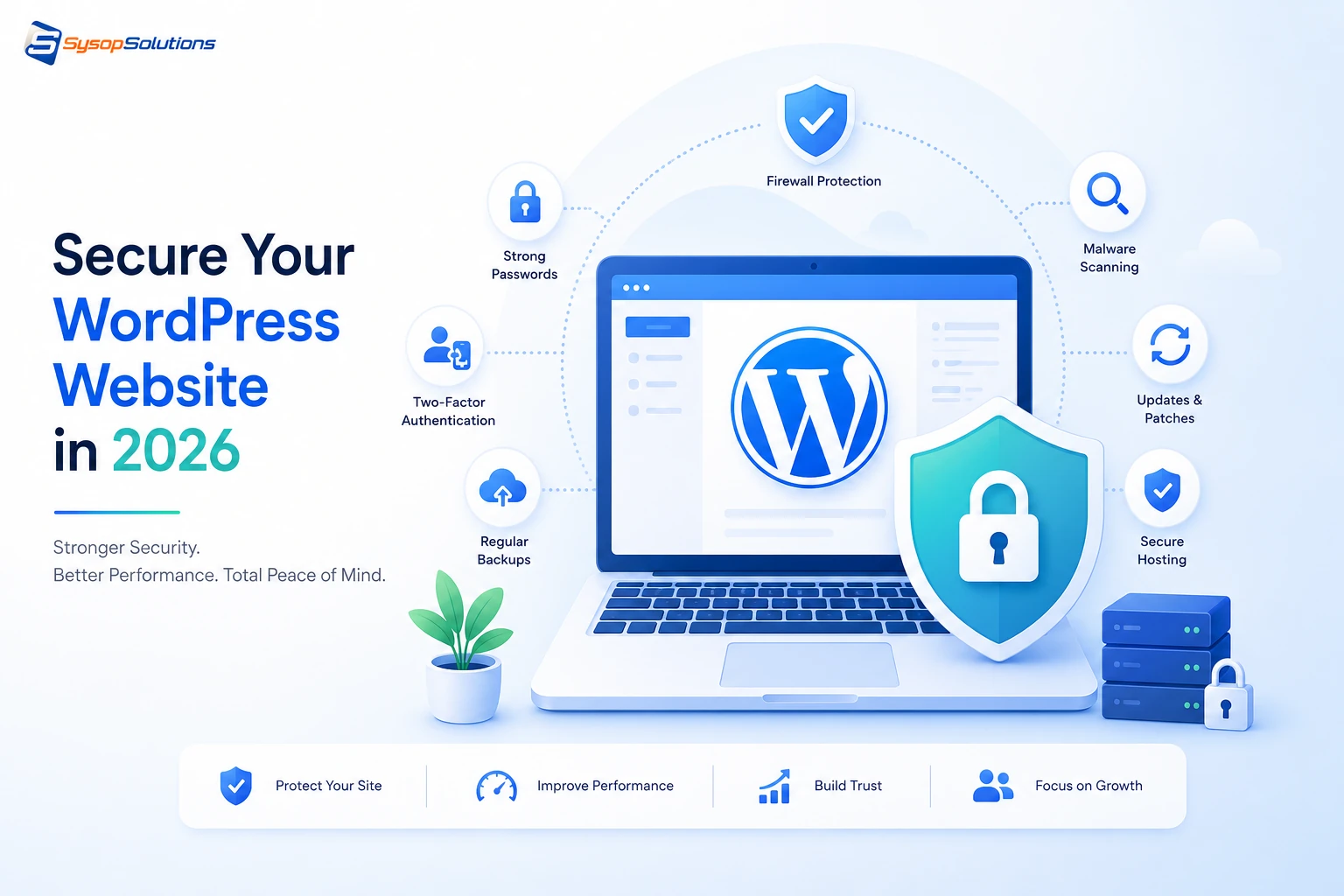
WordPress security in 2026 goes beyond plugins — it starts at the server. Learn the authentication, permissions, and hardening practices that actually stop breaches, and where most businesses leave gaps.
WordPress runs a huge share of the web, which is exactly why it's a permanent target. Automated bots don't care whether your site is a five-page brochure for a local business or a high-traffic e-commerce store — they scan for the same weak points: outdated plugins, default admin usernames, exposed config files, weak file permissions. In 2026, the attack surface has only gotten wider, with AI-assisted scanning tools finding vulnerable installs faster than ever and credential-stuffing attacks running at a scale that manual defenses can't keep up with.
This matters right now because "my hosting company handles security" is a myth on most shared and unmanaged plans. If you're running WordPress on a VPS or dedicated server, security is a shared responsibility between your WordPress config, your server stack, and your hosting provider's infrastructure — and gaps in any one of those three will get found. This guide walks through what's actually changed, what still works, and where the real risk sits in a typical WordPress deployment today.
What "WordPress Security" Actually Covers
WordPress security isn't one setting you toggle — it's several independent layers that all have to hold at once:
- The WordPress core and plugin/theme code itself — outdated versions with known CVEs are still the single biggest entry point.
- Authentication — weak passwords, no two-factor authentication, and exposed /wp-login.php endpoints get brute-forced constantly.
- The server stack underneath WordPress — PHP version, file permissions, web server config (Nginx/Apache), and database access controls.
- Network-level protections — firewalls, DDoS mitigation, and SSL/TLS configuration.
- Backups and recovery — not prevention, but the layer that determines whether a breach is a minor inconvenience or a business-ending event.
Beginners often focus entirely on plugin-level security (which matters) while ignoring the server layer underneath it (which matters just as much). A hardened WordPress install on a poorly configured server is still vulnerable — file permissions set to 777, PHP running with unnecessary modules enabled, or a MySQL instance listening on a public port undoes plugin-level protections instantly.
[Internal Link: What Is a VPS and Do You Need One for WordPress?]
Key Security Practices for 2026
1. Keep everything updated — automatically where possible.
Core, plugins, and themes should update on a defined schedule, not "whenever someone remembers." Most successful WordPress attacks in 2026 still exploit vulnerabilities that were patched months earlier. Set core and minor plugin updates to auto-apply, and review major version updates on staging before pushing live.
2. Enforce strong authentication.
- Require two-factor authentication for all admin-level accounts, no exceptions.
- Rename or disable the default admin username.
- Rate-limit login attempts at the server level (fail2ban or equivalent), not just via a plugin — plugin-level rate limiting can be bypassed if the underlying PHP process isn't also protected.
3. Lock down file and database permissions.
Directories should be 755, files 644, and wp-config.php should be locked to 600 where your server config allows it. Your MySQL/MariaDB instance should never accept remote connections unless you have a specific, firewalled reason for it.
4. Use a Web Application Firewall (WAF).
A WAF filters malicious requests before they ever reach WordPress's PHP layer — this is meaningfully more effective than plugin-based scanning that only reacts after a request has already executed.
5. Disable file editing from the WordPress dashboard.
Adding define('DISALLOW_FILE_EDIT', true); to wp-config.php closes a common post-compromise escalation path, where an attacker who gets admin access uses the built-in theme/plugin editor to inject malicious code.
6. Run automated, off-site backups.
Backups stored on the same server they're protecting don't survive a full compromise or a hardware failure. Off-site, automated, and tested — a backup you've never restored from isn't a real backup.
[Internal Link: Setting Up Automated Backups on a VPS]
Common Problems Businesses Face
Plugin sprawl. Every additional plugin is additional attack surface. Sites accumulate plugins over years, many abandoned by their developers and no longer receiving security patches. An audit that removes unused plugins is one of the highest-impact, lowest-effort security moves available.
Shared hosting cross-contamination. On shared hosting, a vulnerability in one tenant's site can sometimes be leveraged to affect neighboring accounts on the same server, depending on how isolation is configured. This is one of the core arguments for moving higher-traffic or higher-risk WordPress sites to an isolated VPS environment.
No real incident response plan. Most businesses discover they've been compromised because a customer reports strange redirects or Google flags the site — not because they detected it themselves. Without monitoring (file integrity checks, log review, uptime/behavior alerts), breaches sit undetected for days or weeks.
Misconfigured SSL/TLS. An SSL certificate that's technically installed but using outdated cipher suites or allowing weak TLS versions still shows the padlock icon while leaving real gaps for man-in-the-middle attacks.
Server-level neglect. PHP running an end-of-life version, unpatched OS packages, or an outdated web server — these aren't WordPress problems on paper, but they're WordPress problems in practice, because they undermine every application running on top of them.
[Internal Link: PHP Version Management on Linux Servers]
Best Practices for Ongoing WordPress Security
- Run a security plugin as a monitoring layer, not your only defense — tools like Wordfence or Sucuri are useful for file integrity monitoring and alerting, but they supplement server-level hardening, they don't replace it.
- Segment access by role. Not every team member needs admin access — use WordPress's built-in role system (Editor, Author, Contributor) to limit what each account can actually do.
- Audit plugins and themes quarterly. Remove anything unused, and check that everything active still receives regular updates from its developer.
- Test your backups by actually restoring them to a staging environment at least once a quarter — this is the step almost everyone skips.
- Set a Content Security Policy (CSP) and security headers (X-Frame-Options, X-Content-Type-Options, Strict-Transport-Security) at the server level to reduce XSS and clickjacking risk.
- Monitor server logs, not just WordPress logs — a lot of reconnaissance activity (directory scanning, brute-force attempts) shows up in Nginx/Apache access logs before it ever touches WordPress itself.
How Sysop Solutions Helps
Sysop Solutions is built around the server layer that most WordPress security guides skip over. We're not a plugin — we're the infrastructure your WordPress install actually runs on, and that's where a large share of real-world compromises originate.
On our VPS plans, you get full root access paired with server-level hardening you'd otherwise have to configure yourself: firewall rules, fail2ban for brute-force protection, isolated environments so one compromised site can't touch another, and PHP/MySQL configurations kept current rather than left to drift. If you're running WordPress through Coolify or a traditional LAMP/LEMP stack, our team can help you configure file permissions, SSL/TLS settings, and automated off-site backups correctly the first time — not after an incident forces the conversation.
For agencies and businesses managing multiple WordPress installs, this server-level consistency matters more than any single plugin choice. A hardened, well-maintained server is the foundation every other security layer depends on.
[Internal Link: Managed VPS Hosting for WordPress Agencies]
Real Business Benefits
Investing in proper WordPress security isn't just about avoiding a worst-case breach — it shows up in day-to-day performance and cost too. A hardened server with current PHP versions and properly configured caching typically runs faster than a neglected one, since outdated software stacks carry both security and performance debt together. Downtime from a compromised site — cleanup, reputation damage, potential SEO penalties from Google flagging malware — costs far more than the ongoing effort of maintaining proper security hygiene. And for businesses handling customer data or payment information, demonstrable security practices are increasingly a compliance requirement, not just a best practice.
Conclusion
WordPress security in 2026 isn't a single checklist item — it's the sum of core/plugin updates, strong authentication, correct file and server permissions, a WAF, tested backups, and a server environment that's actually maintained. Most breaches trace back to neglect at one of these layers, not some novel attack technique. The businesses that stay secure are the ones treating this as ongoing maintenance, not a one-time setup task.
Ready to Secure Your WordPress Site at the Server Level?
Plugin-level security only gets you so far if the server underneath isn't hardened too. [Explore Sysop Solutions' VPS hosting](https://sysophost.com) and get root-level control, server hardening, and a team that actually understands Linux infrastructure — not just WordPress.
Comments
No comments yet. Be the first to comment!