 Rohan Verma
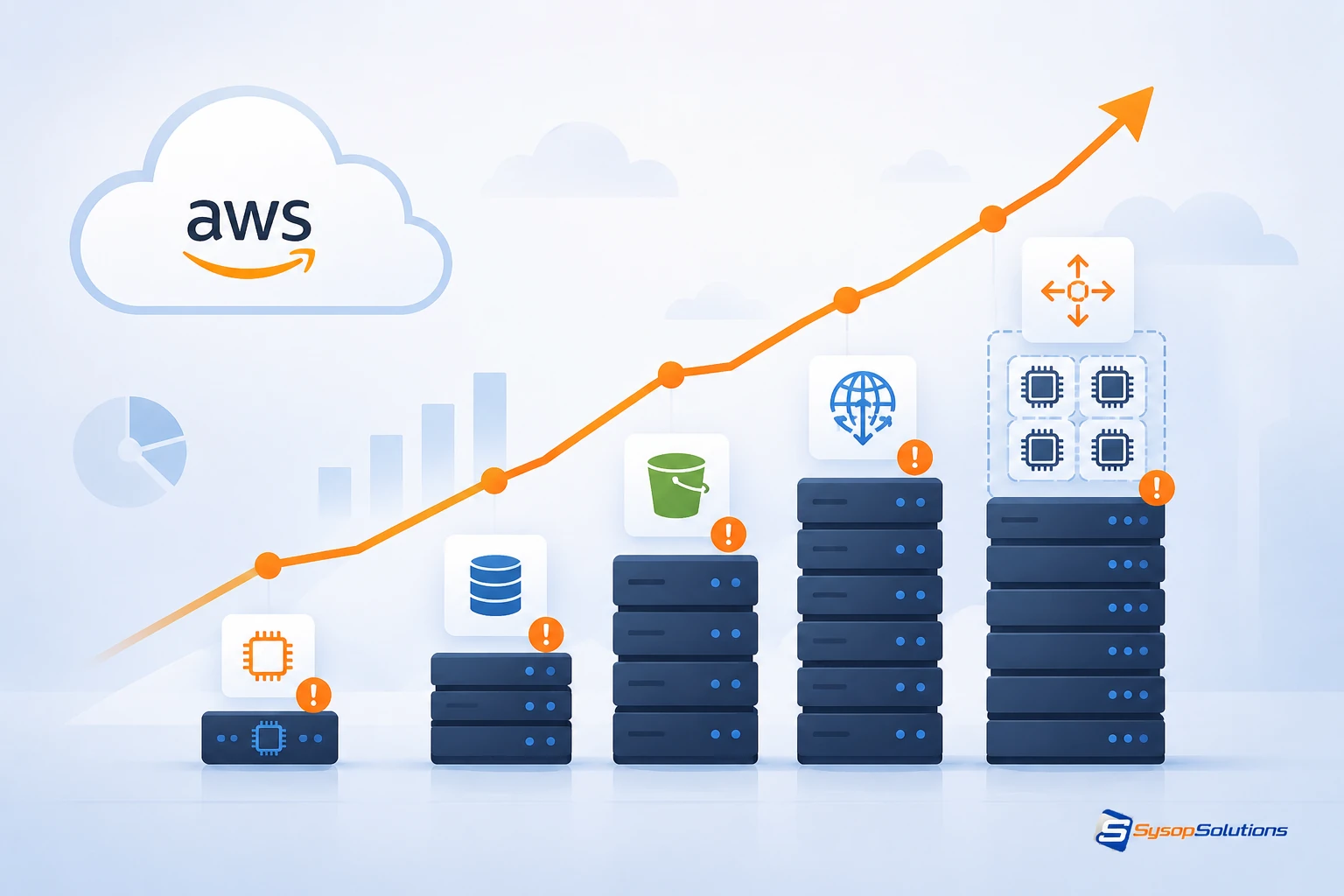
Your AWS bill keeps rising even though usage hasn't changed much — here's why, from idle instances to orphaned storage, and how Sysop Solutions helps teams get it back under control.
Introduction
You didn't provision more servers. Your traffic didn't triple overnight. Yet the AWS invoice keeps climbing, month after month, and finance keeps asking the same question: "Why?"
If that sounds familiar, you're not alone. Cloud cost overruns are one of the most common — and most preventable — problems in modern infrastructure. AWS doesn't send you a warning when spend creeps up; it just bills you. And by the time someone notices the trend on a spreadsheet, three or four months of waste have already been paid for.
The good news: runaway AWS bills are almost never caused by one dramatic mistake. They're caused by a slow accumulation of small, boring inefficiencies — idle resources, oversized instances, forgotten snapshots, untagged spend nobody owns. Each one is cheap. Together, they're the reason your bill doesn't match your usage.
This post breaks down exactly where that money is going, and what a disciplined ops team does differently.
Overview: How AWS Costs Quietly Compound
AWS pricing is granular by design — you pay for compute, storage, data transfer, requests, and dozens of other line items separately. That granularity is powerful for optimization, but it's also exactly why costs are so easy to lose track of. A single overprovisioned EC2 fleet, a few unattached EBS volumes, and some cross-AZ data transfer can each look "small" on their own while adding up to a meaningful chunk of your total spend.
Unlike a fixed hosting bill, AWS costs are elastic — they scale with usage, but they also scale with inattention. Nothing stops you from paying for resources you no longer need. AWS won't turn them off for you.
For engineering teams, this means cost isn't just a finance problem. It's an architecture and operations problem, and it needs to be treated with the same rigor as uptime or security.
The Usual Suspects: Where the Money Actually Goes
Idle and oversized EC2 instances — Instances sized for peak load but running 24/7 at 10% utilization. Dev/staging environments left running over nights and weekends.
Orphaned EBS volumes and snapshots — Storage left behind after an instance is terminated, quietly billing every month with nothing attached to it.
Unused Elastic IPs and idle load balancers — Small per-hour charges that go unnoticed because they're not "compute."
Data transfer costs — Especially cross-AZ and cross-region traffic, which is easy to overlook in architecture diagrams but shows up clearly on the bill.
On-Demand pricing where commitment discounts should apply — Steady-state workloads running at full On-Demand rates instead of Reserved Instances, Savings Plans, or Spot where appropriate.
Untagged or unowned resources — Spend nobody can attribute to a team or project, which means nobody feels responsible for cutting it.
Over-provisioned RDS and managed database instances — Sized for "just in case" rather than actual query load.
None of these are exotic. They're the predictable byproduct of moving fast without a cost review loop in place.
Common Problems Businesses Face
Security and cost blind spots often travel together. Teams that lack visibility into spend usually lack visibility into unused IAM roles, open security groups, and forgotten test environments too — the same operational discipline that controls cost also reduces attack surface.
Performance and cost are frequently mismatched. Businesses either overpay for headroom they don't use, or underprovision and hit performance issues during traffic spikes — both are symptoms of the same root cause: sizing decisions made once and never revisited.
Maintenance complexity grows with scale. As infrastructure sprawls across accounts, regions, and services, manual cost tracking stops being realistic. Spreadsheet-based cost reviews break down well before a company outgrows them.
Infrastructure ownership gets fuzzy. When resources aren't tagged by team, environment, or project, cost accountability disappears — and so does anyone's incentive to clean up.
Best Practices for Keeping AWS Costs Under Control
Tag everything, consistently. Every resource should carry owner, environment, and project tags. Without this, cost allocation is guesswork.
Right-size on a schedule, not just once. Review EC2, RDS, and EBS sizing quarterly against actual CloudWatch utilization data — not against the assumptions made at launch.
Automate shutdown for non-production environments. Dev and staging instances rarely need to run outside business hours.
Use commitment discounts deliberately. Apply Savings Plans or Reserved Instances to stable, predictable workloads; keep On-Demand or Spot for bursty or interruptible ones.
Set up billing alerts and budgets before you need them. AWS Budgets and Cost Anomaly Detection catch spikes early, not after the invoice arrives.
Audit storage and snapshots regularly. Old EBS volumes, unattached snapshots, and stale AMIs are easy to delete and easy to forget.
Review data transfer paths. Architect for traffic to stay within the same AZ or region wherever the design allows it.
How Sysop Solutions Helps
This is exactly the kind of work Sysop Solutions was built around — not dashboards that show you a number, but hands-on infrastructure ops that fix the underlying cause. As a hosting and server operations partner with deep Linux, VPS, and cloud infrastructure expertise, Sysop Solutions treats cost control as part of running healthy infrastructure, not a separate project.
That means going through your actual environment: identifying idle and oversized instances, cleaning up orphaned storage, correcting tagging gaps, and mapping which workloads should move to Reserved capacity versus Spot or On-Demand. It's the same operational discipline Sysop Solutions applies to uptime and security — direct, technical, no dashboards-for-dashboards'-sake.
Real Business Benefits of Getting This Right
Lower monthly spend without cutting performance or capacity
Predictable billing, since committed-use discounts replace On-Demand guesswork on steady workloads
Fewer surprises, thanks to alerting and budget thresholds catching issues before they compound
Cleaner architecture, since a cost audit almost always surfaces unused or misconfigured resources with security implications too
Accountability, once tagging and ownership are in place, so cost stays visible instead of becoming a quarterly surprise
Conclusion
An AWS bill that keeps climbing isn't a mystery — it's a maintenance problem. Idle instances, orphaned storage, missed commitment discounts, and untagged resources accumulate quietly because nothing in AWS forces you to notice them. The fix isn't a one-time cleanup; it's building a regular review cycle into how your infrastructure is operated.
Still have queries....
Comments
No comments yet. Be the first to comment!