 Neha Sharma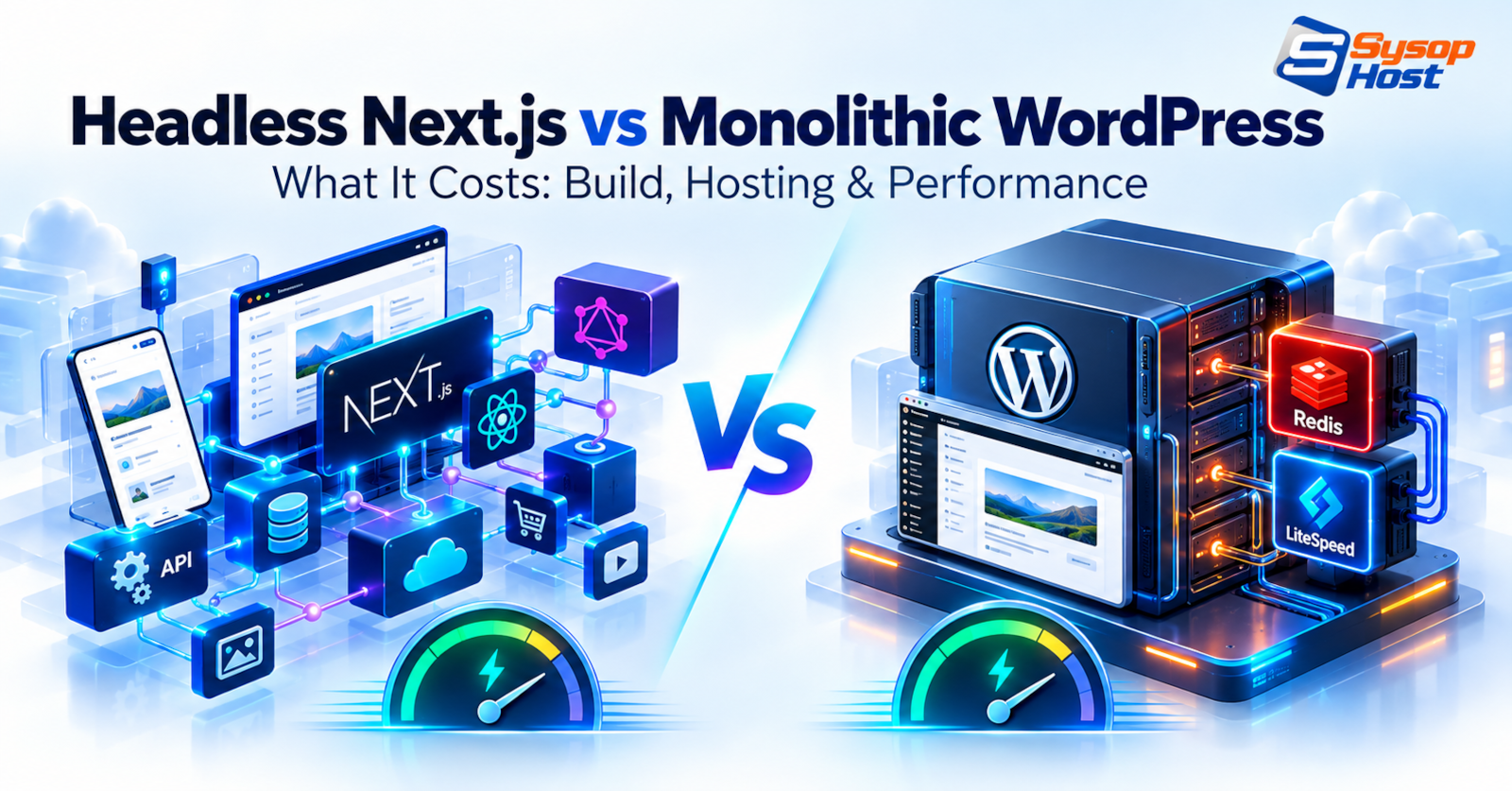
Decoupling a CMS with a Next.js front end buys flexibility and sells it back as complexity. This comparison looks at what each architecture costs to build, who maintains it, and when a tuned monolithic WordPress install is the better answer.
WordPress runs 39.6% of all websites, and 58.3% of the sites whose content management system W3Techs can identify. A monolithic WordPress install is therefore both the default and, very often, the thing being replaced.
The headless pitch lands at that point. Put Next.js in front, keep WordPress as a content API, get React on the front end and a component library designers like. Sometimes that is the right call. Often it moves cost from hosting to engineering, where it is harder to see on a spreadsheet.
This comparison is about that trade: what each architecture costs to build, who maintains it, how an editor experiences it, and what Core Web Vitals actually measure. The short version: headless wins when content has to serve more than a website, and monolithic WordPress wins when the website is the product and a marketing team has to run it.
What decoupling changes
In a headless build, WordPress stops rendering pages. It stores content, exposes it over REST or GraphQL, and a Next.js application fetches it at build time or request time. Caching moves too: the front end caches rendered pages through incremental regeneration or a CDN, and the CMS is only hit when content changes [5].
Three consequences follow, and they matter more than the framework choice.
The CMS database no longer faces the public internet.
The front end deploys on its own schedule, independent of content.
Every feature WordPress used to give you for free becomes an integration you own.
The request path in each architecture looks like this:
Headless Next.js:

[ Editor ] ──> [ WordPress or SaaS CMS (REST / GraphQL) ]
                              │ content payload
                              ▼
[ Visitor ] <── [ Next.js server or static build ] <── webhook rebuild

Monolithic WordPress:

[ Editor ] ──┐
             ├──> [ WordPress (PHP) ] ──> [ full-page cache ] ──> [ Visitor ]
[ Plugins ] ─┘            │
                          └──> [ MySQL / MariaDB + object cache ]
The real case for headless
Content has to serve a native app, a kiosk or a partner API. Then the website is one consumer among several, and the API is the product rather than overhead.
The front end is a product surface with its own team, roadmap and release cycle. Decoupling lets both teams ship without coordinating a WordPress deploy.
Design requirements outrun what blocks and themes can express, and the design system has to be shared with a mobile app.
The CMS must be isolated from the public internet for security or compliance reasons.
If none of those apply, headless is a preference rather than a requirement. Preferences are fine. They just should not be sold as performance work, because the performance argument is weaker than it sounds.
The case for keeping WordPress monolithic
Modern WordPress on decent hardware is fast. LiteSpeed serves cached pages from memory without invoking PHP, and its WordPress cache plugin handles purge logic on publish and comment [2]. An object cache absorbs repeated option and meta queries, and OPcache keeps compiled PHP in memory between requests [3]. Put that on NVMe storage with a PHP-FPM pool sized to the box, and most requests are answered from memory.
None of that is exotic. It is a managed WordPress host's default configuration, and it is why a tuned monolith can match a headless build on Core Web Vitals while publishing content without a deploy.
The other half of the argument is editorial. Editing, previews, scheduling, revisions, redirects, schema markup and image handling all happen in one place. In a headless build, previews are a token-authenticated webhook problem, and every new page layout is a front-end ticket.
Security is a separate job either way. The monolith side is well documented, and the checklist in securing your WordPress site covers the parts that matter most: updates, plugin hygiene and admin access.
Where the money actually goes
Comparisons in this space usually quote build costs to four figures of precision. Those numbers come from somebody else's project, so treat them as a shape rather than a quote.
Cost line | Headless Next.js | Monolithic WordPress |
|---|---|---|
Initial build | Front-end application plus content modelling | Theme, blocks and a short plugin list |
Hosting lines | Two systems: Node runtime and CMS | One server |
Previews | Custom pipeline, breaks on dependency updates | Built in |
New page layouts | Component work and a deploy | An editor builds it |
Security surface | CMS can be private; front end is public | One surface, well understood |
Failure modes | Two deploy pipelines, two places to debug | One |
Scaling | Front end scales independently of the CMS | Vertical, plus page cache |
The shape is consistent. Headless costs more to build and more to change. It can cost less to scale, and it can cost much less when the alternative is three separate front ends for web, iOS and Android.
Any specific figure depends on your team, your day rate and your content model. That is why the impressive totals in vendor posts rarely survive contact with a real project, and why this one does not print them.
Core Web Vitals: both sides overclaim
Largest Contentful Paint and Interaction to Next Paint are field metrics, measured on real devices over real networks [4]. They reward a short critical path: HTML that paints early, media with known dimensions, and little JavaScript competing for the main thread.
A static page wins that argument by default because it ships almost nothing. A headless Next.js site wins it when the team keeps client components small. A tuned WordPress site wins it when page caching and image handling are configured properly. All three can pass. All three fail the same way: one script that blocks the main thread, one unsized hero image, one font that arrives late.
The difference is who fixes it. On a monolith, one person with admin access and a cache plugin can usually fix it before lunch. On a headless stack, the fix lives in a component library and needs a review, a build and a deploy.
Metric | What it measures | Usual cause of a bad score |
|---|---|---|
Largest Contentful Paint | When the main content becomes visible | Slow TTFB, unsized hero image, render-blocking CSS |
Interaction to Next Paint | Responsiveness across the whole visit | Long JavaScript tasks, hydration, heavy third-party tags |
Cumulative Layout Shift | Visual stability | Images without dimensions, late-injected banners |
One difference worth keeping in view. On a monolith, time to first byte is a hosting and caching question. On a headless stack it is a hosting, caching and data-fetching question, because the front end may be waiting on an API it does not control.
That is also why the metrics argument gets so noisy. Two sites can report the same LCP with very different amounts of work behind it. If search visibility is the reason you care, our note on why website speed matters for SEO covers what actually moves rankings.
What a tuned monolith looks like
The configuration is not secret and it is not expensive:
A web server that serves cached pages without invoking PHP. LiteSpeed with LSCache is the common choice; Nginx FastCGI cache does the same job [2].
An object cache in front of the database, so repeated option and meta queries come from memory.
OPcache enabled, with the memory limit and
max_accelerated_filesset high enough for the plugin count.A plugin list short enough that a page render touches a handful of code paths, not forty.
That stack is what managed WordPress hosting exists to provide, and it is why the hosting choice matters more than the CMS argument for most sites.
The fourth item is the one that decides most real sites. A tuned stack with a disciplined plugin list is fast. The same stack with six page builders and a chat widget is slow, and no amount of Redis will fix it.
The editorial workflow problem
Headless projects rarely fail on performance. They fail on a Tuesday afternoon, when a marketer wants to change a hero banner and cannot.
In a monolith, that marketer opens the editor, swaps the block, previews it on mobile and publishes. In a decoupled build, the same request becomes a component change if the layout does not already exist, plus a preview pipeline that has to authenticate against the CMS, plus a deploy.
The same failures repeat across projects:
Previews break quietly when a dependency updates, and nobody notices until a launch.
SEO fields live in the CMS but render in the front end, so plugins that write meta tags need an API path to the front end.
Every new content type needs a schema, a query, a component and a fallback for missing fields.
None of this is a reason to avoid headless. It is a reason to staff it. If nobody owns the front end after launch, the architecture drifts into a state where a content change costs a sprint.
How to decide
Content serves web, mobile and partners: headless. The API is the product.
A marketing team publishes daily and owns the pages: monolith. The editor is the product.
A design system shared with a native app: headless, with the CMS as a content service.
A small team with no front-end capacity: monolith on managed hosting. It ships sooner and changes cheaper.
Heavy personalisation or logged-in features welded onto marketing pages: hybrid, with the app in Next.js and the marketing site on WordPress.
There is no prize for the more complex architecture. There is a prize for the one the team can still operate in eighteen months.
If the decision is headless, the Node runtime needs a home and a deploy path. Node.js hosting is the piece that replaces the platform you would otherwise rent, and it is the part people forget to budget for.
The failure mode to avoid
The worst outcome is the middle: a headless front end nobody maintains, pointed at a WordPress install nobody updates. That combination pays for both architectures and collects the benefits of neither.
If speed is your reason for going headless, measure the current site first. A monolith with bad Core Web Vitals usually has a hosting problem, a plugin problem or an image problem, and moving to Next.js reproduces all three with a longer build pipeline.
One honest limitation. This article assumes a content site with a marketing team behind it. If you are building an authenticated product where content and application data are already mixed, the question is settled: the CMS is a backend, and nobody is arguing about themes.
Host the stack you actually chose
Managed WordPress or Node.js hosting on SysopHost, with the caching layer and PHP runtime configured.
See managed WordPress hostingFrequently Ask Queries
Comments
No comments yet. Be the first to comment!