 Manpreet Singh
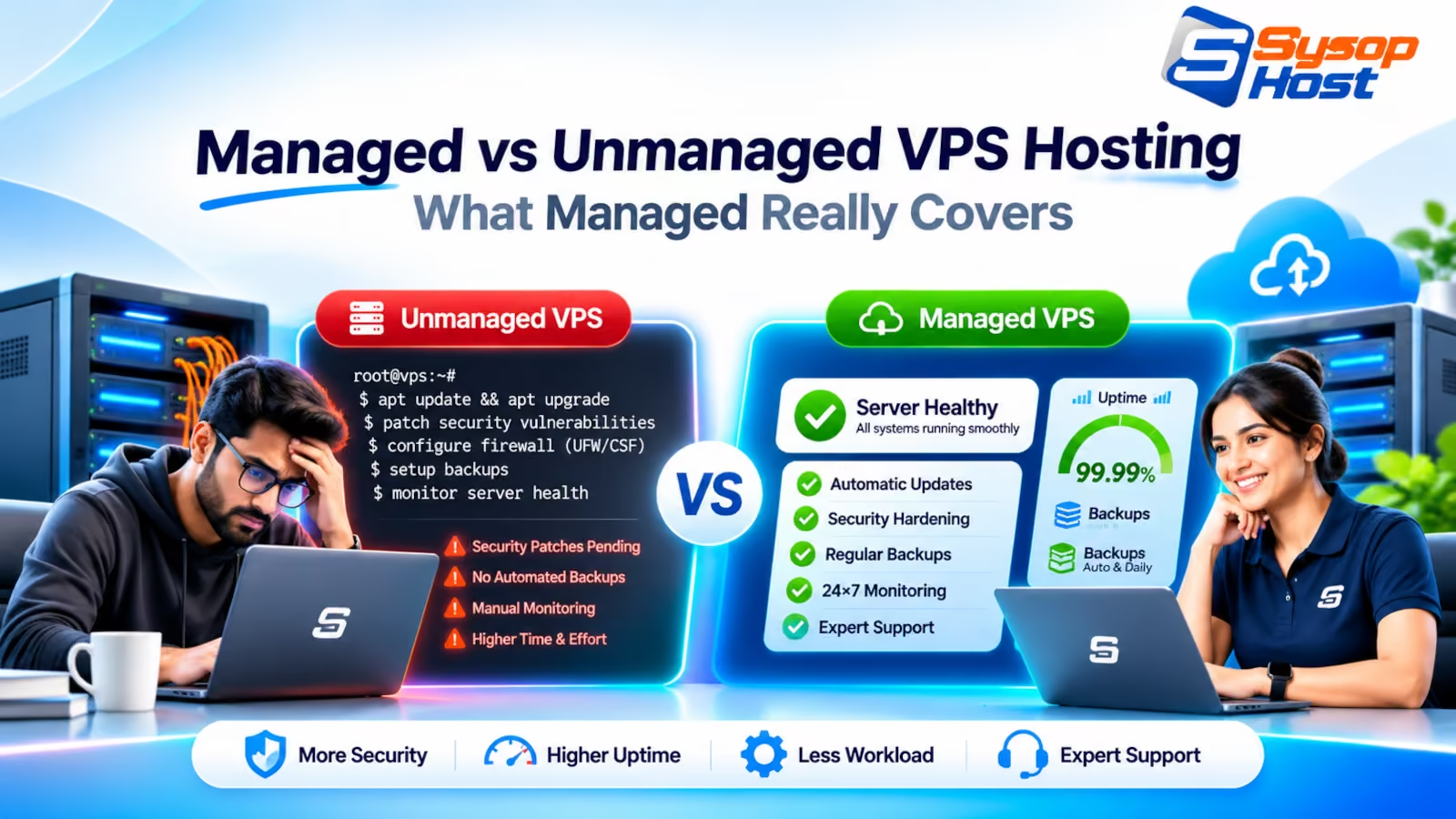
The managed vs unmanaged VPS hosting choice is usually framed as a question about root access. It is really a question about who carries the pager. This guide maps the responsibility line row by row, prices the engineering hours an unmanaged box consumes, and lists the contract questions worth asking before you sign.
A two-person ops team in Ambala runs sixty client sites across four VPS instances. One of those instances eats every second Friday: kernel updates, snapshot checks, and the same slow query that comes back each month. That is the managed vs unmanaged VPS hosting decision in miniature. It is a staffing question wearing a hosting label.
The monthly price gap between the two plans is the smallest number in the comparison. The largest is the salary attached to whoever holds the pager.
An unmanaged VPS is a virtual machine with an IP address, root over SSH, and a clean Linux install. Everything above the hypervisor is yours. Kernel and package patching, firewall rules, web server configuration, database tuning, backups, and the restore test that everybody skips. The provider's job ends at the hardware and the network.
A managed VPS moves most of that list onto the provider's on-call rota. You keep the application. They keep the operating system, the daemons, and the backup schedule. NIST's cloud service models are a useful anchor for the split: in infrastructure as a service, the provider runs the virtualisation layer while the consumer manages the guest operating system upward [1]. Managed hosting is that same model with the guest layer subcontracted.
Where the responsibility line falls
Most disagreements about managed vs unmanaged VPS hosting come from a contract that never drew this table.
Task | Unmanaged VPS | Managed VPS |
|---|---|---|
Hypervisor and physical hardware | Provider | Provider |
Kernel and package security updates | You | Provider |
Firewall rules and SSH hardening | You | Provider |
Web server and PHP configuration | You | Provider, inside the supported stack |
Backups and restore testing | You | Provider, only if the contract says so |
Database tuning | You | Shared: settings yes, schema no |
Application code and plugin bugs | You | You |
3 a.m. incident triage | You | Provider |
Two rows deserve a second look. Backups only count if someone restores them, so ask when the last test ran and who signed off. And "supported stack" carries a lot of weight in that table: a managed plan built around a standard LEMP stack will not debug your custom Go service, and it will not tell you why your WooCommerce checkout drops carts.
Root access is the other common surprise. Managed does not have to mean locked down. Plenty of providers hand you SSH and root while still running the monitoring, the patch cycle, and the backup jobs underneath. If a plan refuses root entirely, ask what you are allowed to install, then check what the cloud hosting plan includes beyond the virtual machine.
What a managed plan should actually do
Patching is the first test. New kernel vulnerabilities arrive on a schedule nobody controls, and each one asks the same question: reboot now, or carry the risk until Sunday. Live patching applies the fix to a running kernel, which lets the reboot wait for your window instead of theirs [2].
Monitoring is the second. A ping check catches a dead network interface. It misses a PHP-FPM pool that has run out of workers, because the machine still answers ICMP while every request sits in a queue. What you want watched is what your users feel: the time to first byte, which includes everything the application does before it emits the first byte of HTML [3]. Measured properly, TTFB tells you whether an incident is a network problem, a saturated worker pool, or a query that got slower after Tuesday's deploy.
Tuning is the third, and it is where the invoice usually pays for itself. Default PHP-FPM pools are sized for small machines. The pm.max_children value decides how many requests the server can run at once, and a pool that is too small produces 502s under load while the CPU sits half idle [4]. A pool that is too large swaps. Someone has to look at the numbers and pick.
The fourth is the backup that survives a bad afternoon. Snapshots are cheap. Restores are the expensive part, and the only honest proof is a timed restore into a clean machine. Ask for that number in minutes, not adjectives.
What the split looks like in practice

Unmanaged VPS                          Managed VPS
┌──────────────────────────────┐      ┌──────────────────────────────┐
│ You: kernel, nginx, PHP-FPM  │      │ You: application code only   │
│ You: firewall, SSH, fail2ban │      │ Provider: OS patching        │
│ You: snapshots, restores     │      │ Provider: monitoring, tuning │
│ You: 3 a.m. page             │      │ Provider: on-call triage     │
└──────────────────────────────┘      └──────────────────────────────┘
The hours, not the invoice
Put the two plans side by side and the cheaper one usually looks obvious. Then count hours. The table below is a worked estimate, not survey data, so replace the ranges with your own ticket history before you quote it to a finance team.
Work item | Unmanaged: your hours | Managed: your hours |
|---|---|---|
Monthly patch and reboot cycle | 2 to 4 | 0 |
Incident triage | 1 to 3 per event | 0 to 1 for the handover |
Backup verification | 1 per quarter, if it happens | 0 |
Tuning after a launch | 3 to 6 | 0 to 2 for review |
Certificate and DNS housekeeping | 1 to 2 per quarter | 0 |
Multiply those hours by whatever an engineer-hour costs you internally, loaded with benefits and context switching, and the gap closes fast. Four hours a month at a senior rate is real money, it arrives unpredictably, and it competes with the work you actually sell.
The honest trade-off runs the other way too. If you already have a platform team running Terraform, Ansible, and a proper observability stack, adding a managed layer can slow you down. Every change becomes a ticket, and you pay for coordination you did not need. Unmanaged wins in that shop, and it wins clearly.
When unmanaged is the better buy
You have a platform or SRE function that already patches fleets and reviews dashboards.
The workload is disposable: staging environments, CI runners, a sandbox for a migration rehearsal.
You run something exotic that no support desk will touch, such as a custom kernel module or a database fork.
You want the machine to be cattle, not a pet, and you have the automation to prove it.
Questions to put in writing
Before comparing managed vs unmanaged VPS hosting on price, get answers to these. A provider that answers them quickly is telling you something good.
Who is on call at 3 a.m., and is it the same team that patches the kernel?
Which stack is supported, listed by name and version?
What is explicitly out of scope: application bugs, third-party plugins, database schema changes?
When did the last restore test run, and can I see the log?
Do I keep root, and what am I allowed to install?
What happens at handover if I leave: do I get the snapshots and the config?
What the extra money buys
You are not buying a control panel and a support inbox. You are buying the Friday afternoons back, and the certainty that the patching happened whether or not anyone on your team remembered. That is worth real money to a team of two. It is worth less to a team of twenty with a platform group.
A managed VPS from a provider that runs infrastructure for a living, with monitoring and support staffed by engineers rather than a ticket queue, is the short path for most small teams. If you want the longer comparison of managed against self-managed operations, we wrote that up separately. If patching and restore discipline are the specific worry, our notes on backup and disaster recovery cover the drill.
Let engineers run the patching, monitoring and restores.
SysopHost managed cloud infrastructure is monitored and supported by engineers around the clock, so your team ships features instead of chasing kernel updates.
See SysopHost managed cloud hostingComments
No comments yet. Be the first to comment!