 Manpreet Singh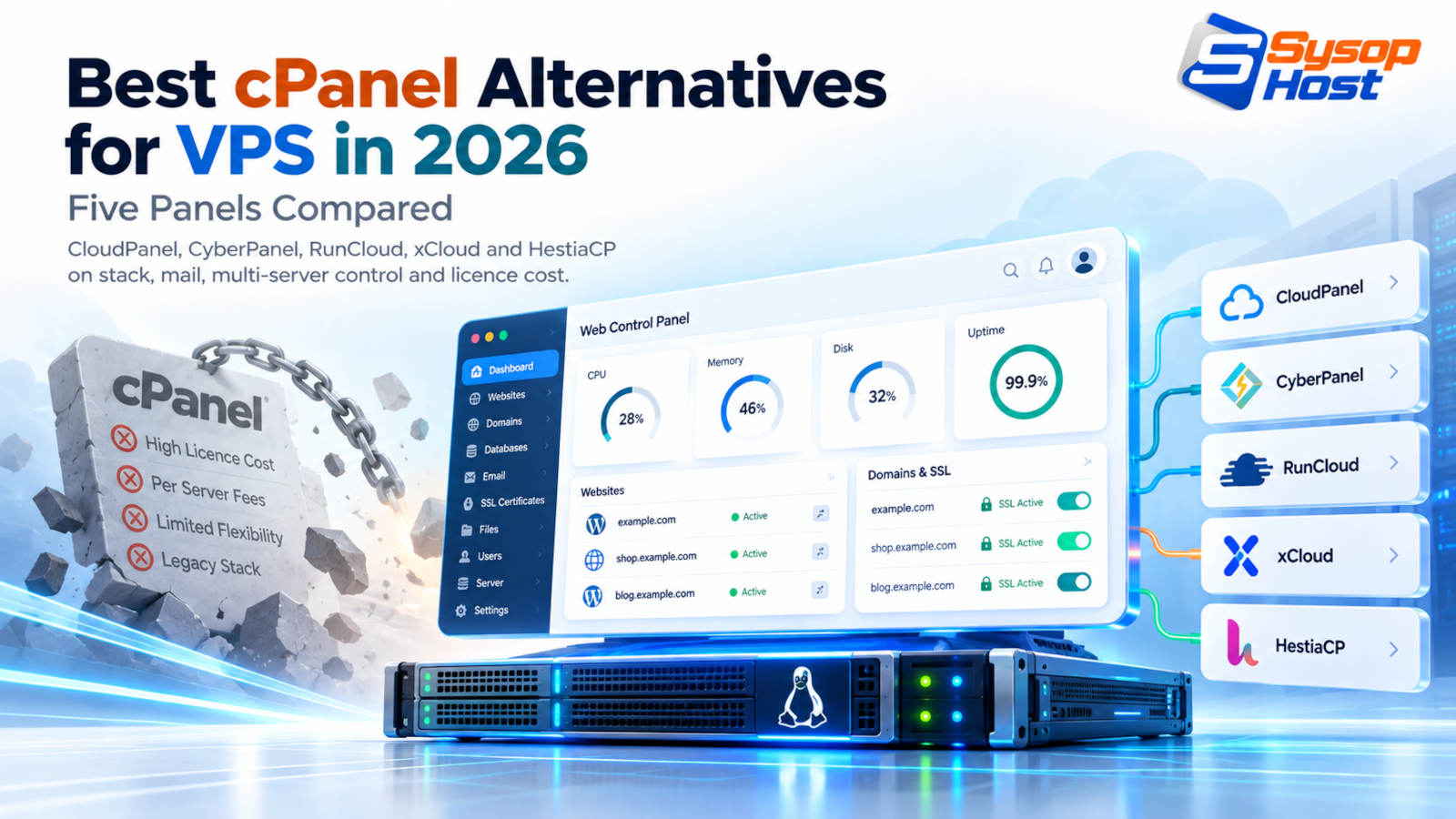
cPanel's account-based licence is now a line item worth auditing, and the panels that replaced it for most agencies are not drop-in clones. This comparison looks at CloudPanel, CyberPanel, RunCloud, xCloud and HestiaCP on the things that decide the bill: web server, mail stack, multi-server control, and who owns the security updates.
A 250-site agency on two servers pays cPanel twice, every month, before it buys a single core of compute. That is the line that started the migration, not a feature comparison. The search for the best cPanel alternatives for VPS usually begins with a renewal invoice and a spreadsheet.
What follows is not a tour of dashboards. It is a comparison of what each panel puts on the server, what it leaves out, and what you inherit when you choose it.
The invoice is account-based now
cPanel's pricing page, checked on 22 October 2026, lists four tiers: $29.99 a month for a single account, $35.99 for up to five, $53.99 for up to thirty, and $69.99 for up to a hundred with additional accounts at $0.49 each [1]. The first three advertise an 8.4% saving on annual billing; the hundred-account tier is billed monthly only.
Run the arithmetic for two servers on that top tier: $69.99 × 2 × 12 works out to about $1,680 a year, and that is software alone, before hosting, backups, or the engineer who manages it. A 250-account server lands near $143 a month at the $0.49 rate. For a small agency that is a real line item. For a reseller with a few hundred small sites, it is the difference between a viable margin and a thin one.
cPanel is not overcharging by accident. It sells a complete appliance: web server, mail server, DNS, FTP, spam filtering, PHP version management, and a support organisation behind it. The alternatives mostly win by not doing all of that.
What you gain, and what stops existing
Every panel below drops something cPanel still ships. That matters more than the feature list, because the missing piece becomes your job.
The usual casualties are email and DNS. CloudPanel has no mail server at all, and its documentation points users at external providers [2]. That is a sensible design: hosting mailboxes on a web server's IP is a deliverability hazard once that IP is shared with anything else. But if your clients expect info@their-domain to work on the same box, you now have a migration project.
The second casualty is Apache. Modern panels run nginx, OpenLiteSpeed, or a proxy combination, so .htaccess rules from the cPanel era do not carry over. Rewrites, redirects and hotlink protection have to be translated, and this is where most migrations lose a weekend.
The third is the reseller model. Handing a client a login and letting them break their own PHP version is easy on WHM. On a modern panel it is either supported deliberately or not at all.
CloudPanel
CloudPanel installs a tuned nginx, MySQL or MariaDB, PHP-FPM and Redis stack on Debian or Ubuntu, and stays out of the way. Its documentation covers PHP, Node.js, Python, static sites and reverse proxy setups, with multiple PHP versions on the same server [2]. The panel runs on port 8443 and the install is a single script, which is why it has become the default for Laravel and Node deployments on small VPS instances.
There is no mail server and no DNS server. Backups go to S3-compatible storage if you configure them. Multi-server management does not exist: it is one panel per server, and you keep your own inventory.
For a developer running five to fifty sites, that is usually enough, and the absence of mail is a feature rather than a gap. It is also the first name most people hit when they start looking for the best cPanel alternatives for VPS.
CyberPanel
CyberPanel builds on OpenLiteSpeed, which means LSCache is available without buying LiteSpeed Enterprise [3]. For WordPress and WooCommerce sites, that is the fastest path from a fresh VPS to a warm page cache, and the panel handles SSL issuance and DNS as well.
It also ships a mail stack, which cuts both ways. You get cPanel-like completeness, and you get the deliverability work that comes with it. If you take CyberPanel for the LiteSpeed caching, consider leaving mail switched off and routing it elsewhere.
One operational detail: OpenLiteSpeed reads .htaccess changes only after a graceful restart, so plugin installs that write rules need a restart to take effect. LiteSpeed Enterprise applies them live.
RunCloud and xCloud
RunCloud and xCloud take a different approach. There is no panel on the server at all. You connect a VPS through an agent, and the dashboard lives in their SaaS [4]. Everything you configure is pushed down over that channel.
The practical effect is that one dashboard manages many servers across providers, which is what a growing agency actually needs. The cost is a recurring subscription per server, and a dependency: if the vendor's service is down, you are working over SSH until it returns.
This model suits teams with more servers than patience. It suits poorly if you need a panel that works on an air-gapped box.
HestiaCP
HestiaCP is the closest thing to a cPanel replacement in spirit. It includes a mail stack, DNS, web and database management, and multi-user reseller tiers, all on one server [5]. It runs nginx with PHP-FPM, or nginx in front of Apache when a site needs .htaccess.
It is free, actively maintained as a fork of VestaCP, and it imports cPanel backups, which shortens a migration considerably. It is also the panel that most resembles the thing you are leaving, with the same operational weight: mail queues, DNS zones, and a larger attack surface than a panel that only does web.
Choose it when clients genuinely need mailboxes and DNS on the same box, and when you are willing to run that stack properly.
The comparison
Panel | Web server | Mail and DNS included | Multi-server | Licence | Fits |
|---|---|---|---|---|---|
cPanel | Apache, nginx as a proxy add-on | Yes | WHM | From $29.99/mo, account tiers | Agencies that need the full appliance |
CloudPanel | nginx, PHP-FPM, Redis | No | No | Free | Developers, Laravel and Node, small fleets |
CyberPanel | OpenLiteSpeed | Yes | Limited | Free core, paid Enterprise | WordPress and WooCommerce on a budget |
RunCloud | nginx or OpenLiteSpeed | No | Yes, SaaS dashboard | Subscription per server | Agencies with many servers |
xCloud | nginx or OpenLiteSpeed | No | Yes, SaaS dashboard | Subscription per server | Same as RunCloud, smaller fleets |
HestiaCP | nginx with PHP-FPM or Apache | Yes | Reseller tiers on one host | Free | Resellers replacing cPanel wholesale |
Installing CloudPanel on a fresh VPS
The install is short enough to show. Provision Ubuntu 24.04 LTS or Debian 12 with at least 1 vCPU and 2 GB of RAM, then fetch and run the vendor script:
curl -sS https://installer.cloudpanel.io/ce/v2/install.sh -o install.sh
sudo bash install.sh
Check the SHA-256 of install.sh against the checksum printed on CloudPanel's own install page before you run it. The script is updated periodically, so a hash quoted in an article goes stale, and a wrong hash turns a five-minute install into a debugging session.
Then open https://your-server-ip:8443, create the admin user, and add a site. Point the domain's A record at the server first, or the Let's Encrypt challenge fails and you will be debugging DNS at midnight.
Before you do any of that, close the ports you are not using. A panel is an administrative interface on a public IP, and the security work does not disappear because the panel is modern. Our website security guide covers the firewall and hardening basics that apply to every panel in this list.
Migrating without breaking mail or DNS
The migration order that causes the least pain:
Lower DNS TTL to 300 seconds at least 48 hours before the cutover.
Export databases with
mysqldumpand confirm the character set isutf8mb4.Copy files, import databases, and test the site through a hosts-file entry.
Move mail first if you are keeping it. Deliverability issues found after a DNS switch are much harder to debug.
Switch the A record, then the MX records, in that order.
Watch error logs for 48 hours before you delete the old account.
If email is going to a dedicated provider instead, do that migration a week early. Moving mailboxes to Google Workspace or Microsoft 365 before the web move keeps the two problems separate.
The trade-offs nobody puts in the comparison table
Free panels are free because you are the support contract. CloudPanel and HestiaCP publish updates, and you apply them. When a PHP security release lands on a Friday, nobody is paged on your behalf.
SaaS panels invert that: you pay monthly, and the vendor maintains the control plane, but the underlying server is still yours to patch unless you buy a managed plan.
And the panel is not the hosting. Any of these run on an NVMe-backed cloud hosting plan, and the difference between a good and a bad experience is usually the server underneath, not the dashboard. If you would rather not own the patching at all, the managed against self-managed comparison is the more relevant decision.
A final honesty note on the best cPanel alternatives for VPS: if you run one brochure site, none of this applies. A managed WordPress plan costs less than the time you would spend learning a panel, and the licence question never arises.
Run the panel you want on hardware that does not argue.
Full root access, dedicated NVMe storage and 24/7 engineer support, so CloudPanel, CyberPanel or Docker runs on SysopHost cloud hosting without fighting the platform.
See SysopHost cloud hostingComments
No comments yet. Be the first to comment!